Brief the room. Watch it render.
Start from a photo of the room you already have. Restyle it, relight it, clear the clutter or swap the furniture, then turn any still into a video.
100 free credits · no card · preview your first room on us.
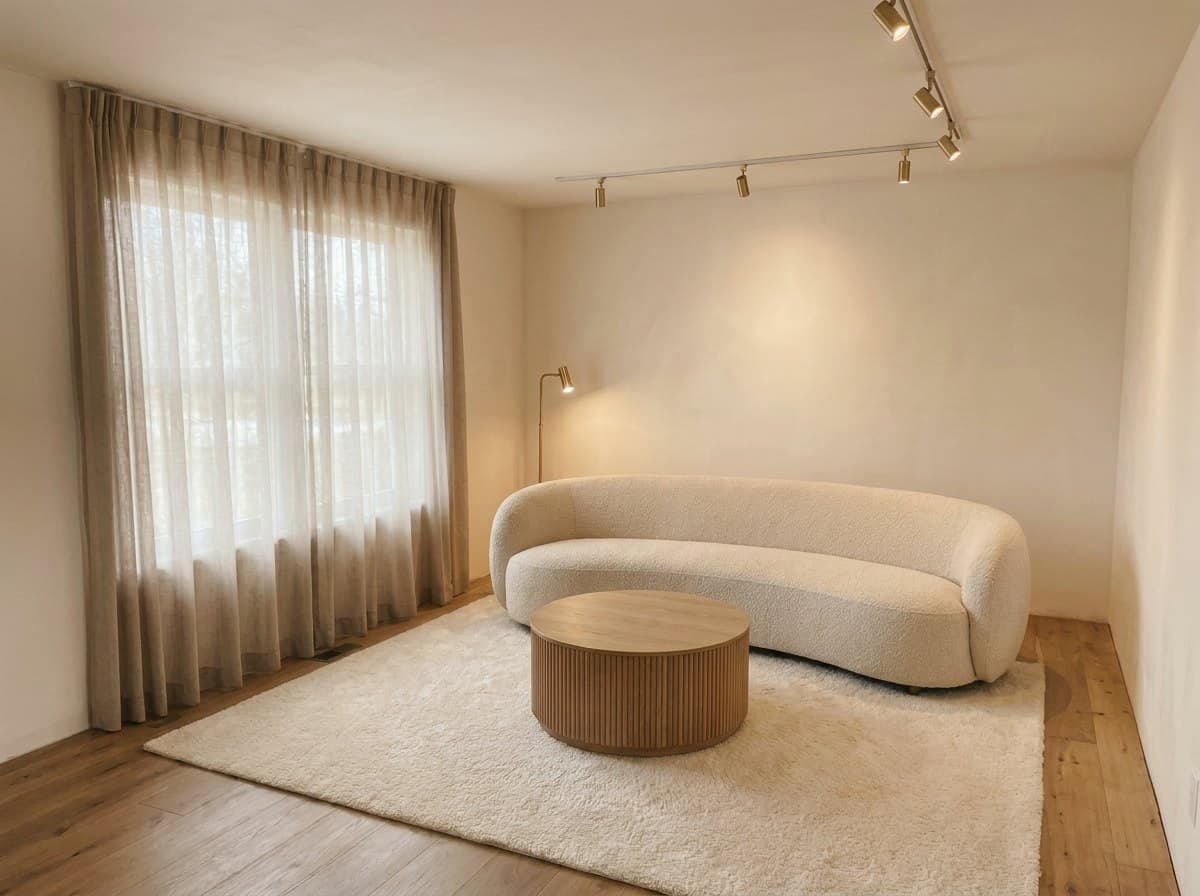
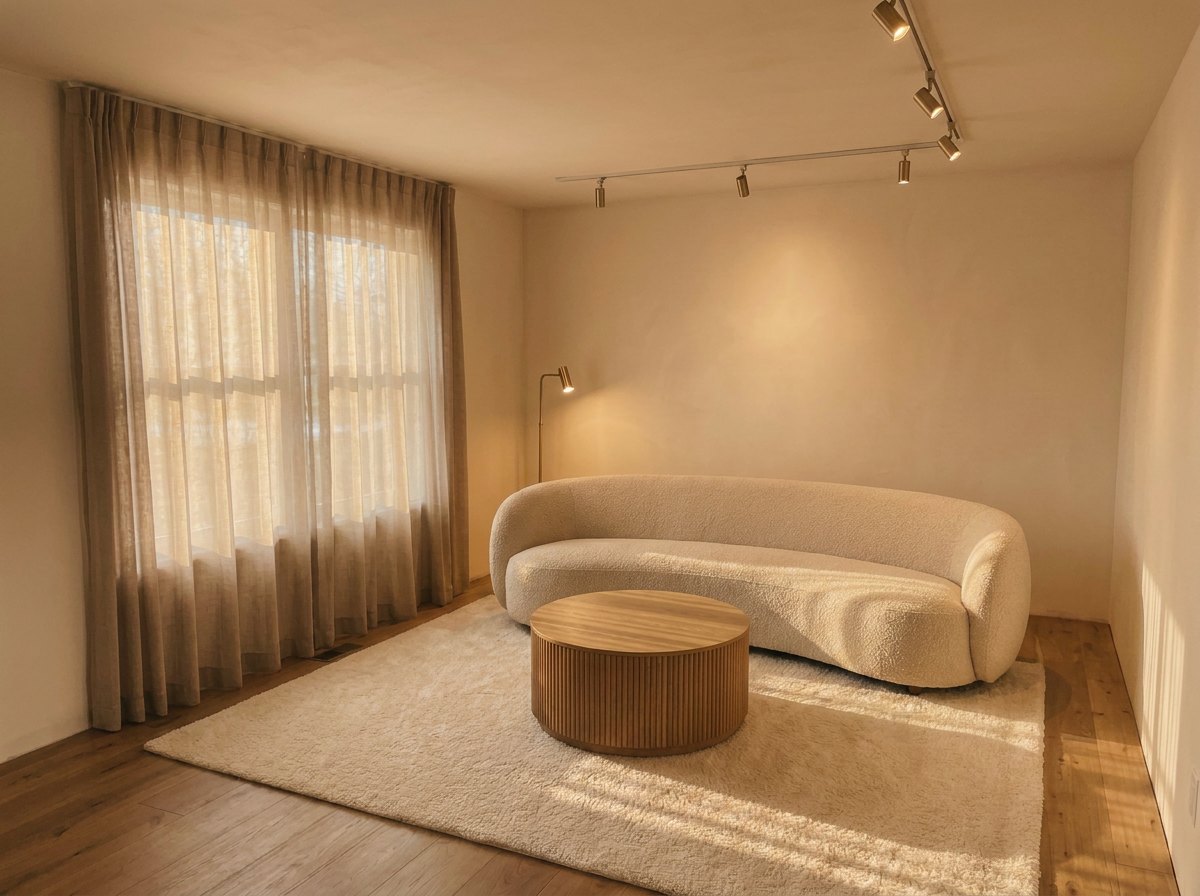
Turn one render into a scroll-stopping video.
Pick a viral template and RoomGen animates your finished render into a share-ready vertical clip. Your real furniture and true walls are the only things that move. Straight to reels, TikTok and listings.
Listing tour
A whole home in one reel
Furniture flies in
Every piece glides into place
Room builds itself
A bare shell finishes itself
Whatever look is trending, name it.
17 styling tools work from a photo of the room you already have. 8 house styles ship as starting points, and the style field is plain text rather than a menu. A look that did not exist when we shipped is still a look you can ask for.
Not on the list?
Type the aesthetic you want. The field takes any of them.
Dark Academia · Cottagecore · Cyberpunk · Coastal
What one plan buys you
Bring a floor plan too. Every room out.
Styling starts from any room photo. Hand RoomGen a floor plan as well and it reads your walls to scale, then furnishes and renders every room, each stage in the open.
Your furnitureYour placementYour angleNo plugins, no 3D software
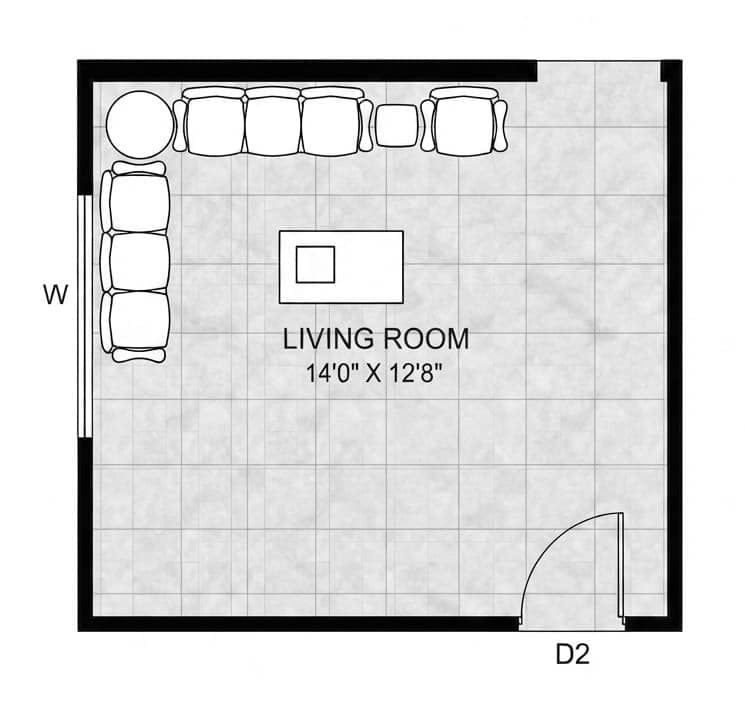 PLAN
PLANPLAN → FILM
your pieces · your angle
TRUE TO PLAN
0.94 · real walls
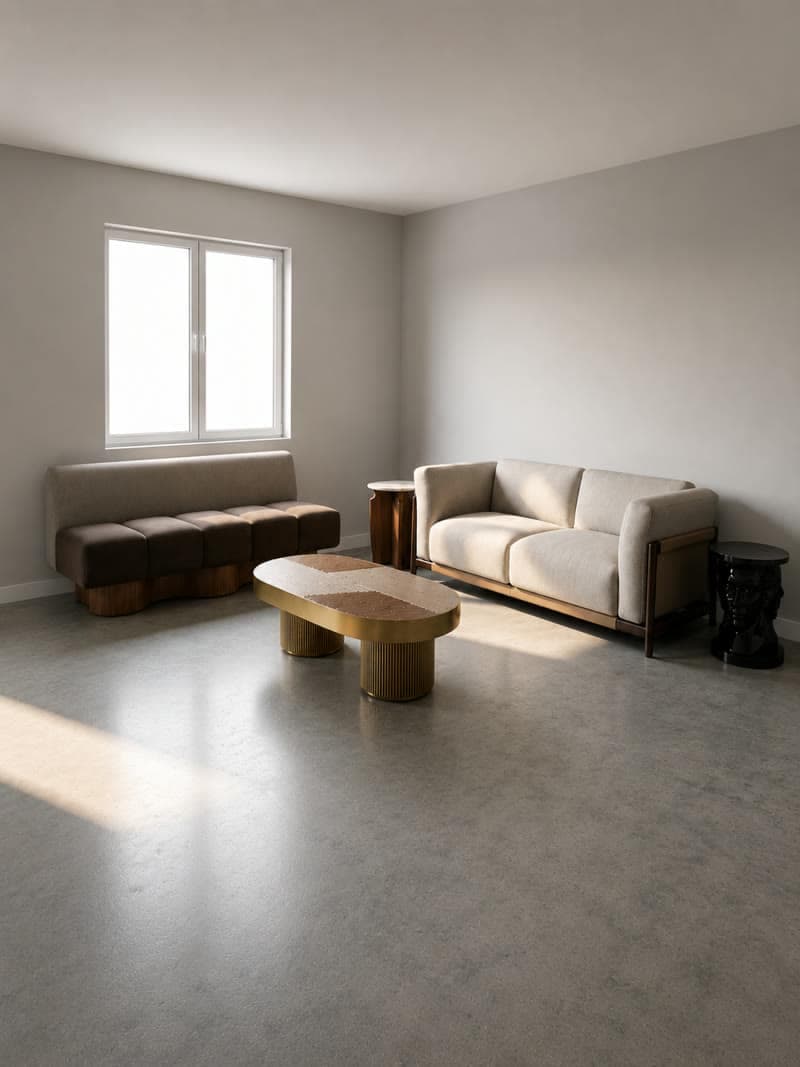
From the plan to the render, one room at a time.
Four rooms, not retouched. Each room shows the four steps: the camera on the plan, the catalogue products placed, the live view and the render.
BedroomBed and two bedside tablesFloor plan A
1 Floor plan and camera
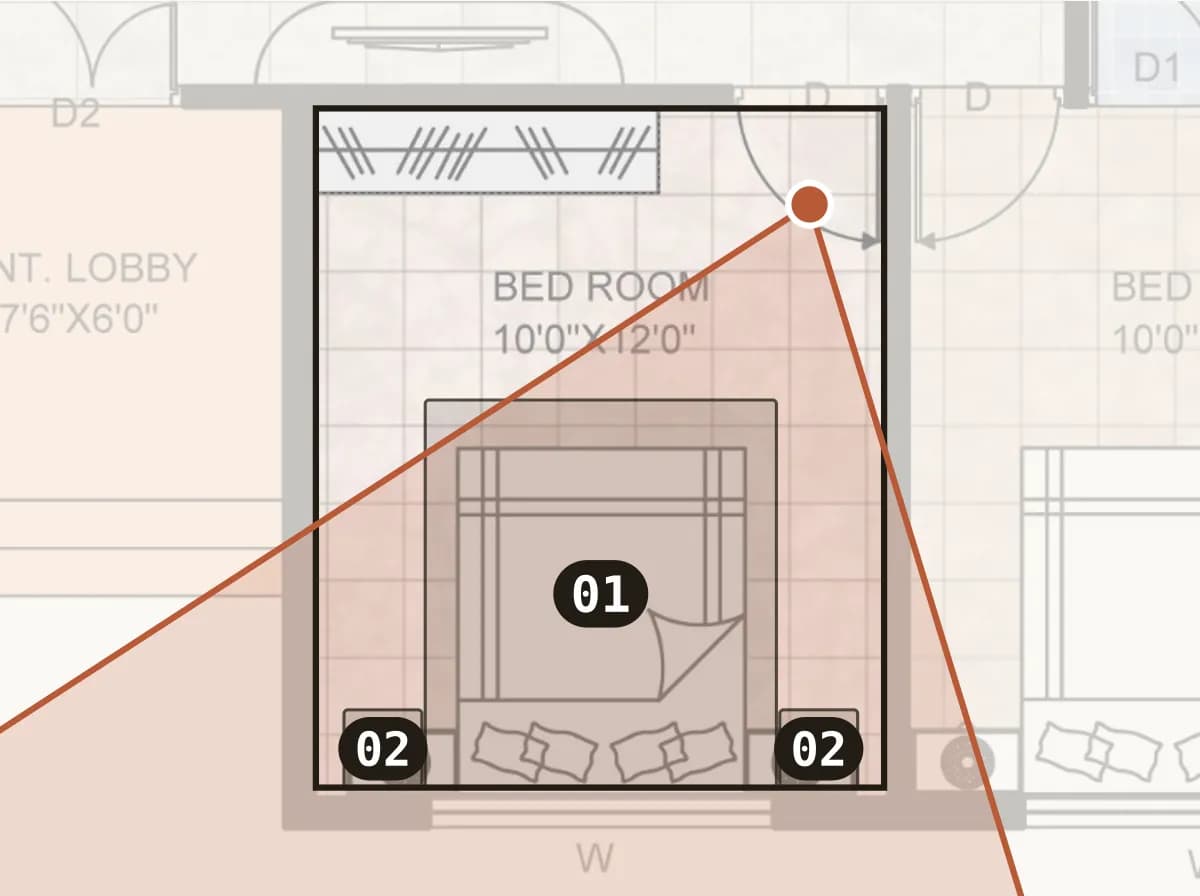
We placed the camera on the floor plan and aimed it.
2 Products placed
 01APOLLO
 02BABY
Each number on the plan was a real catalogue piece, placed at its real size.
3 Live view
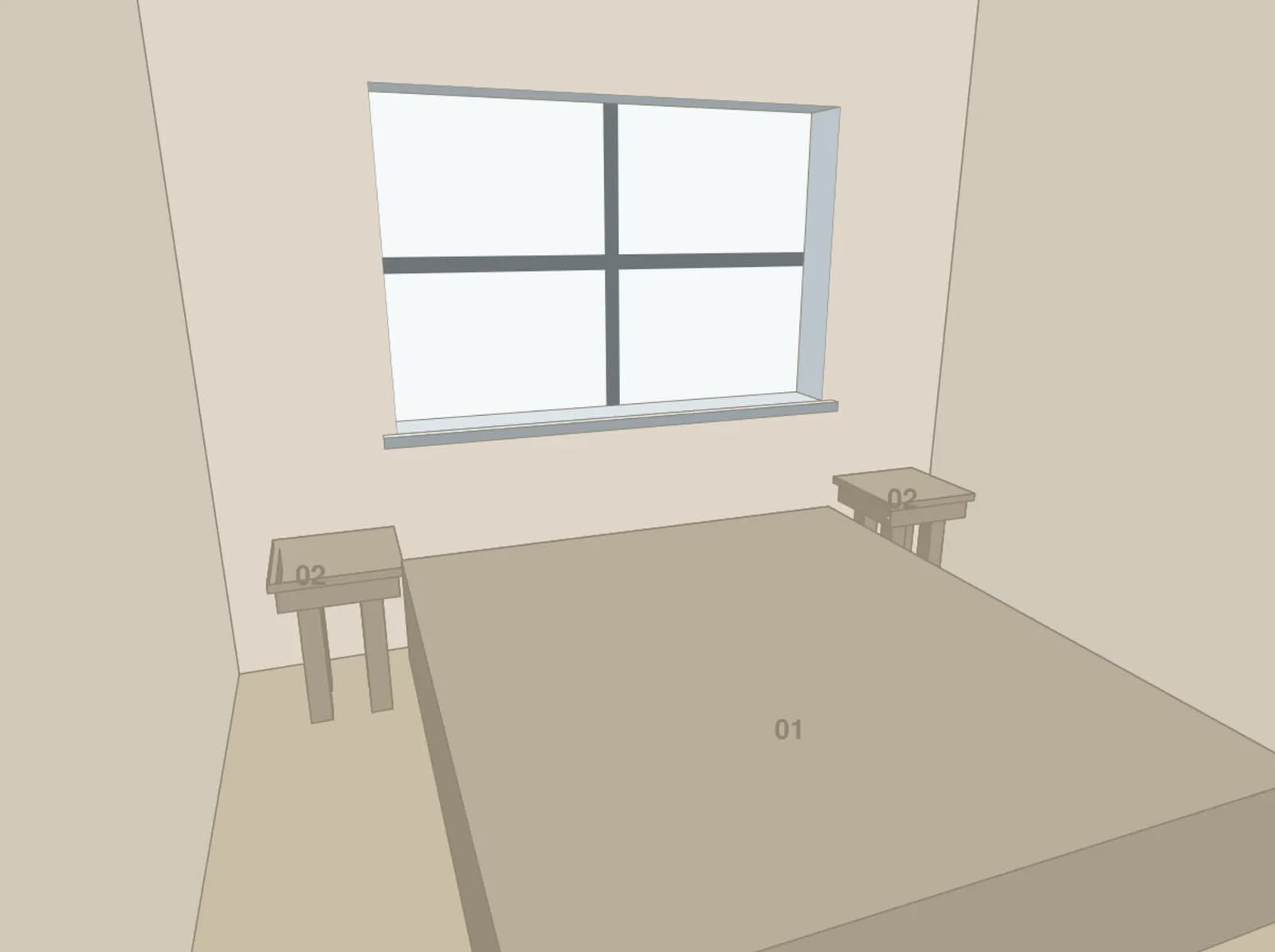
The live view drew that exact shot in blocks before anything was rendered.
4 Render
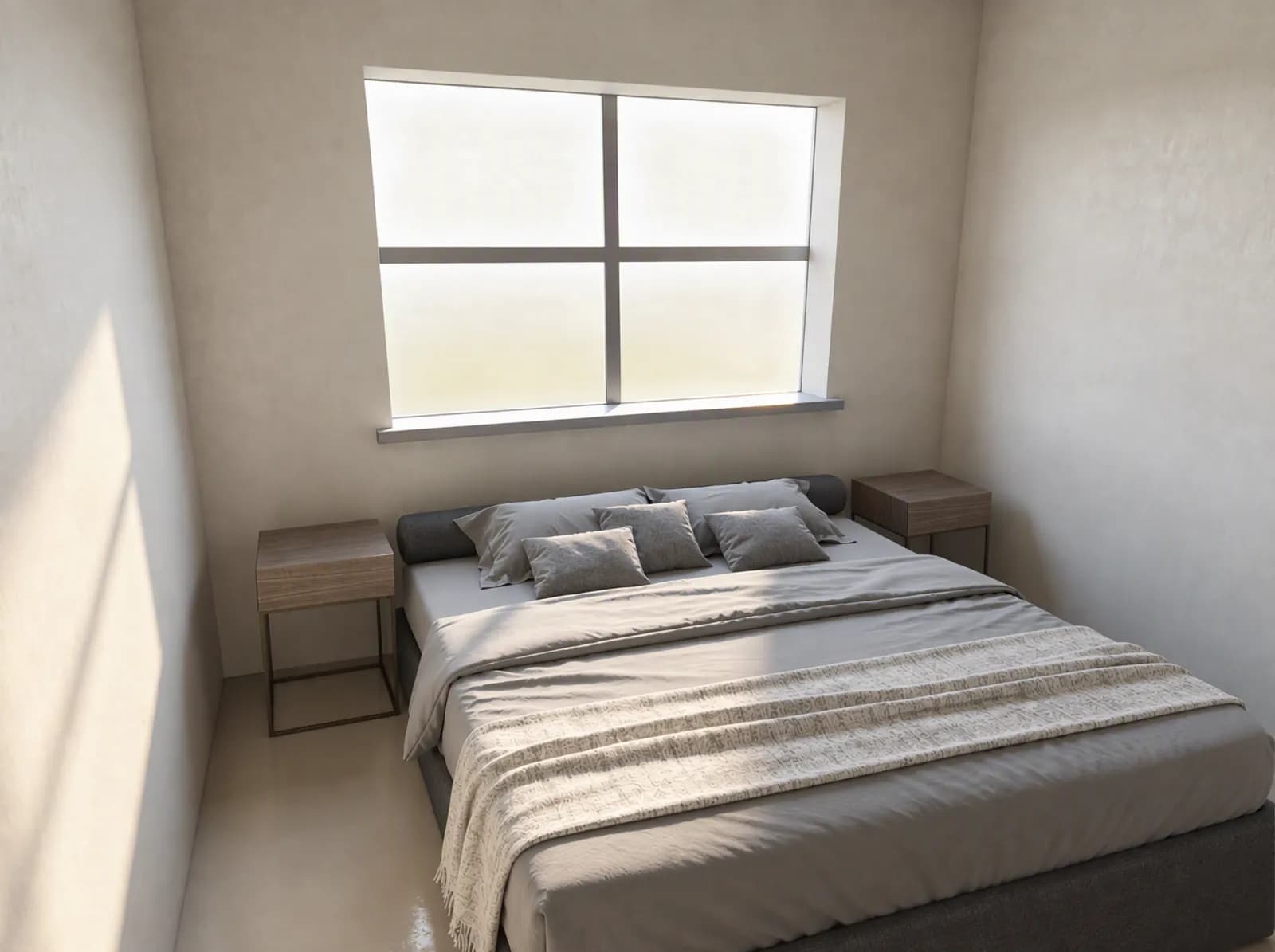
The render was made from that same view.
Open-plan living and diningEight pieces in one viewFloor plan B
1 Floor plan and camera
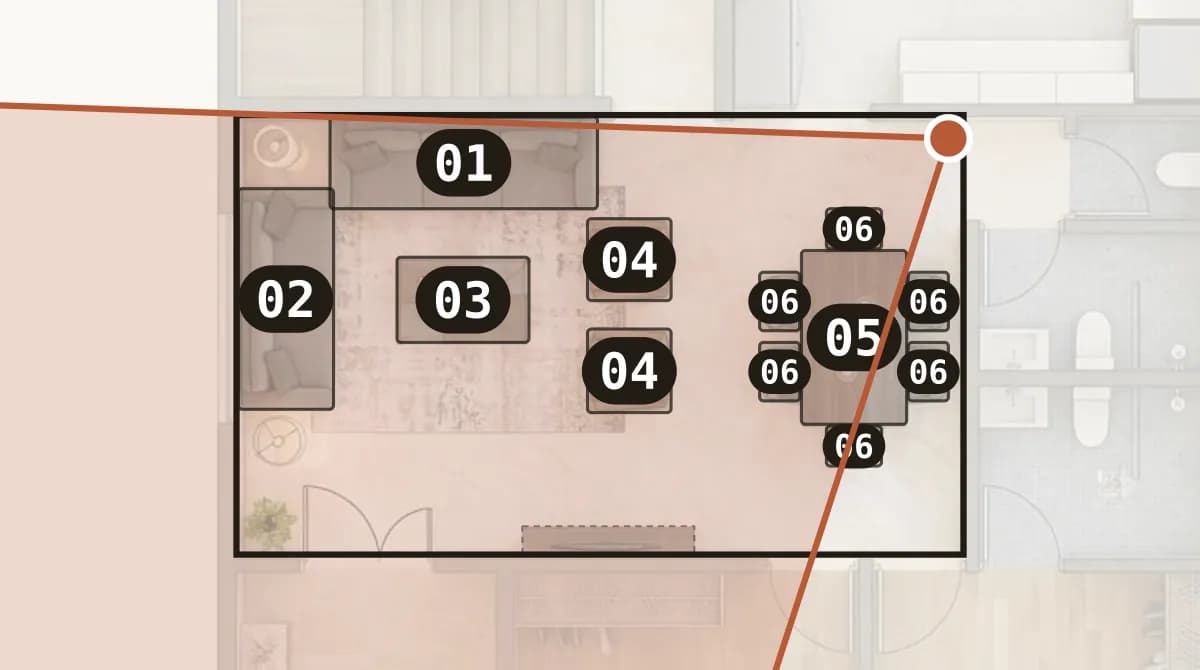
We placed the camera on the floor plan and aimed it.
2 Products placed
 01Eaton
 02Eaton
 03Bassano
 04DAPHNE
 05Gong
 06DC Chair
Each number on the plan was a real catalogue piece, placed at its real size.
3 Live view
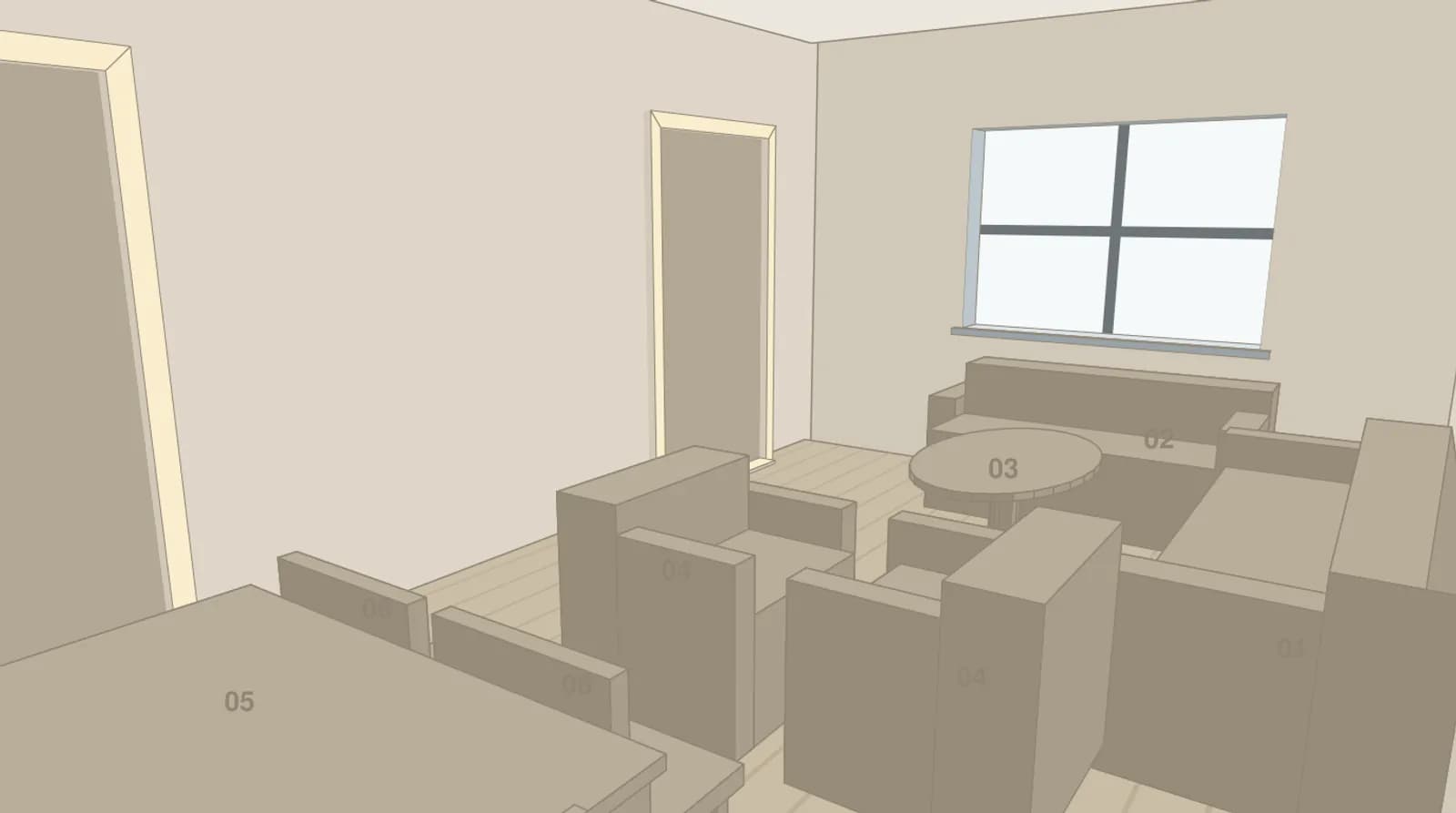
The live view drew that exact shot in blocks before anything was rendered.
4 Render
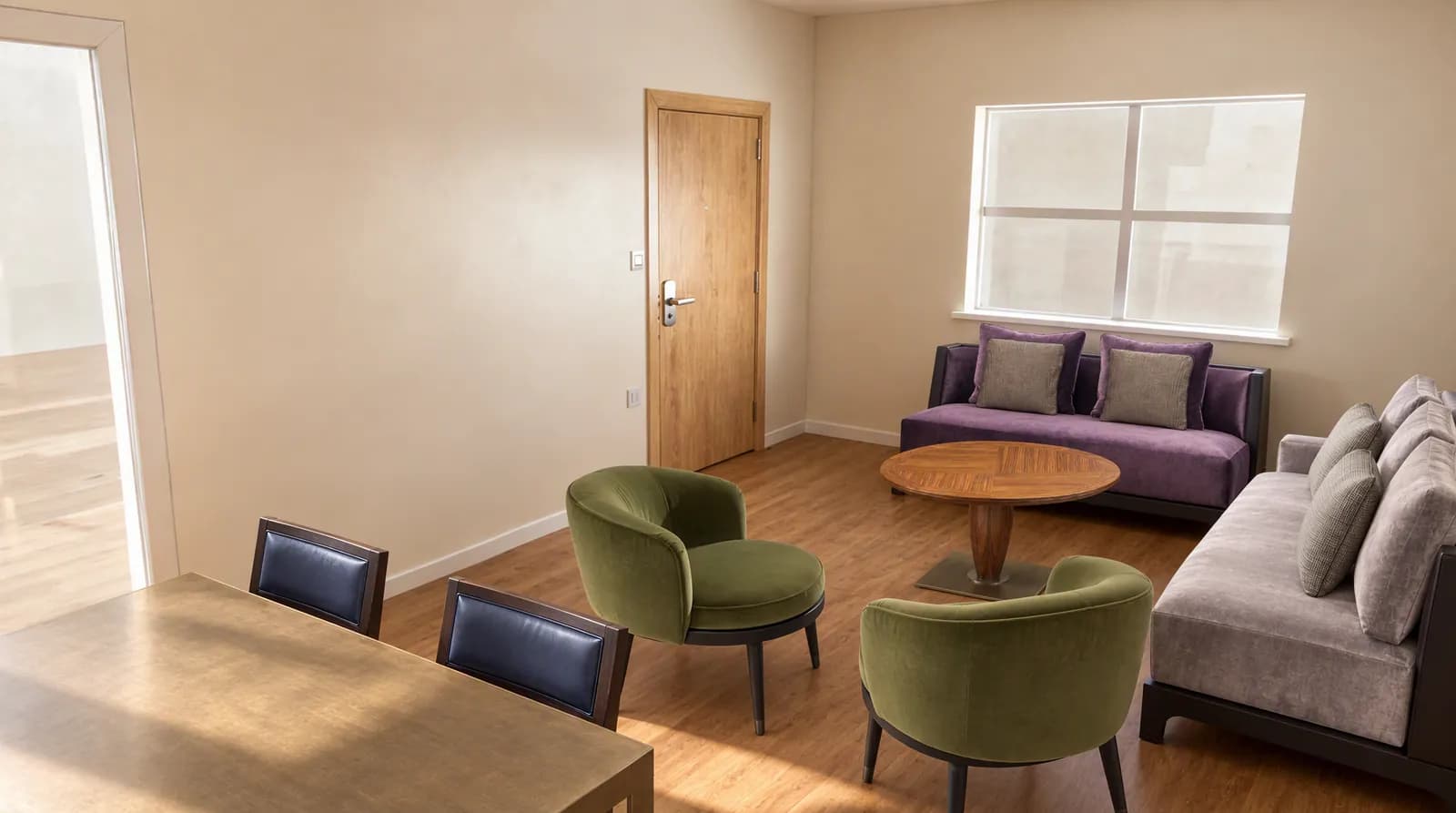
The render was made from that same view.
Second bedroomBed centered under the windowFloor plan A
1 Floor plan and camera
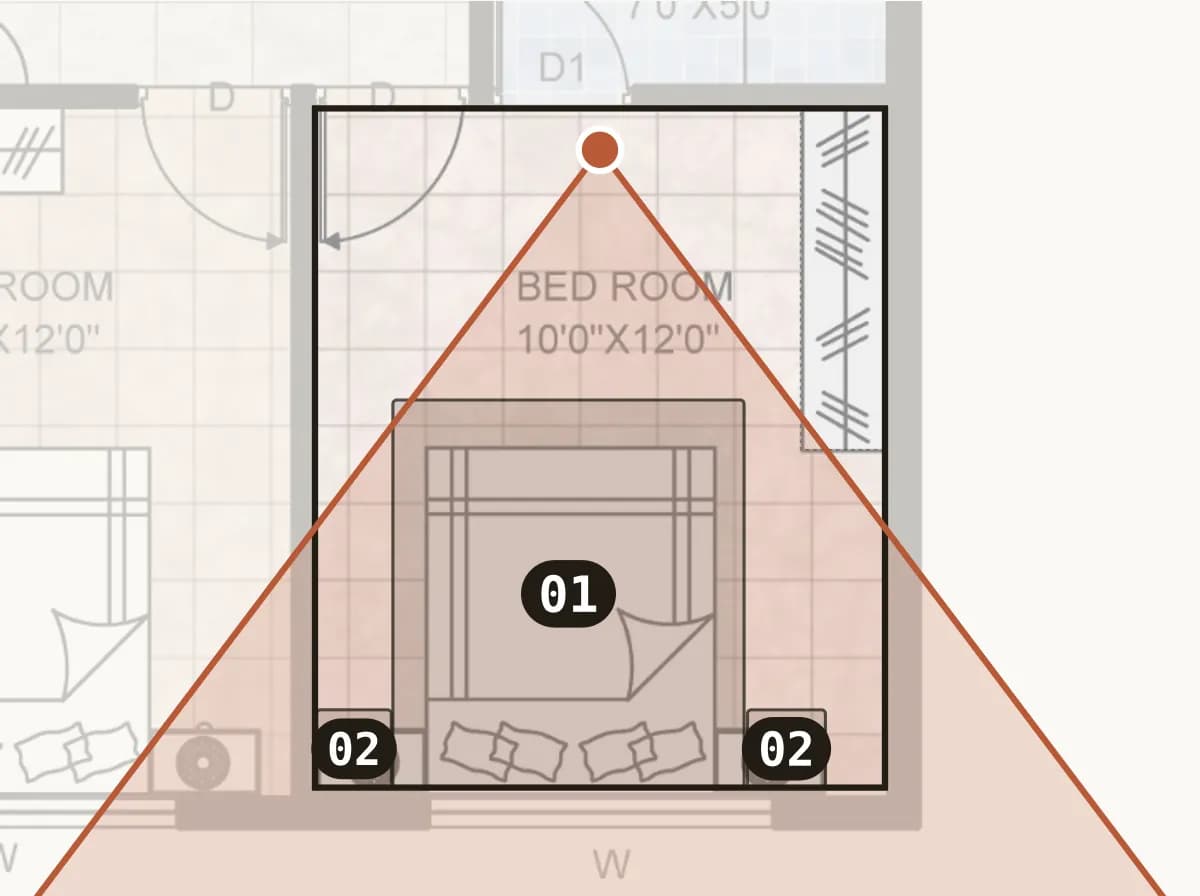
We placed the camera on the floor plan and aimed it.
2 Products placed
- 01APOLLO
- 02BABY
Each number on the plan was a real catalogue piece, placed at its real size.
3 Live view
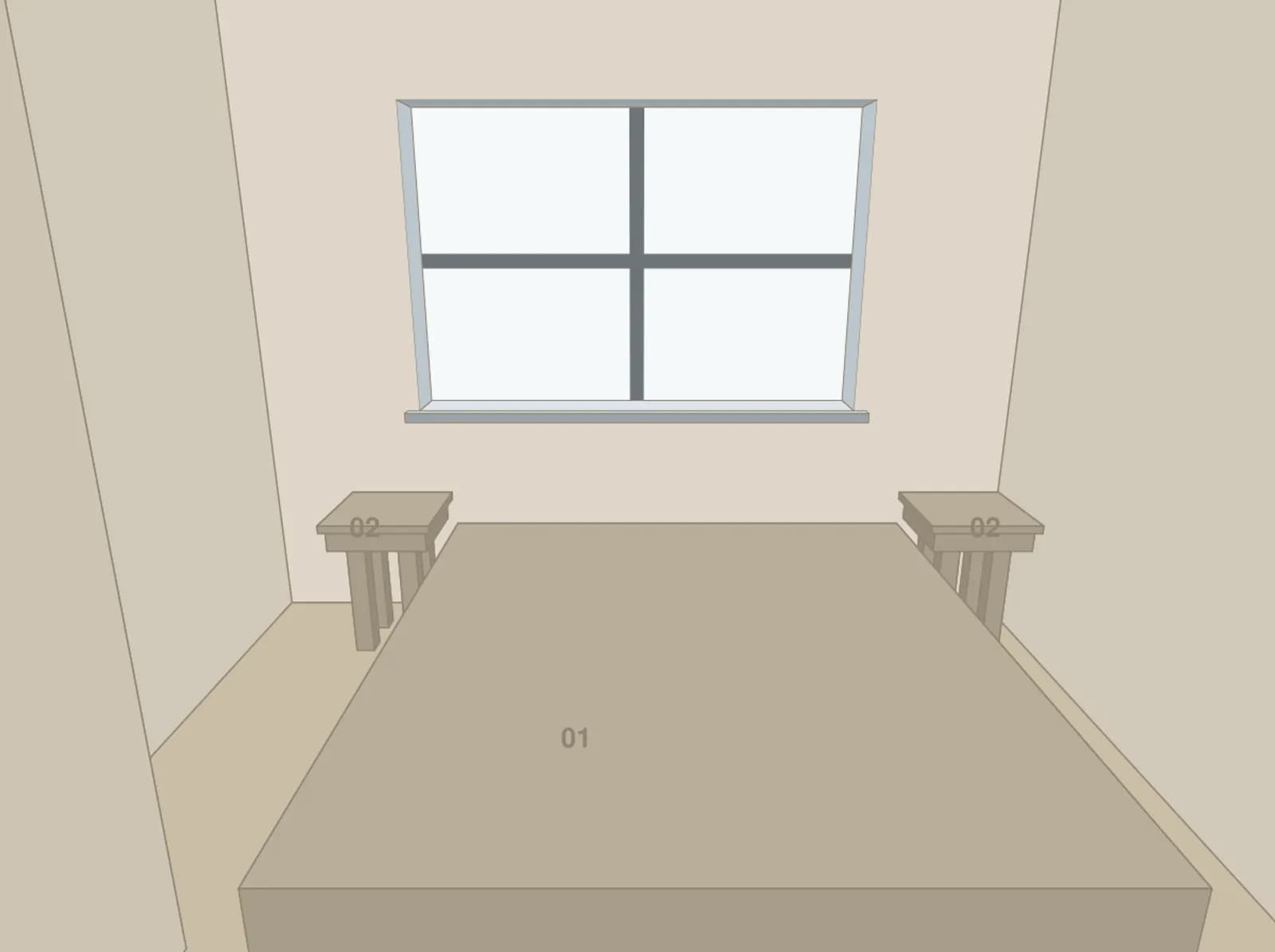
The live view drew that exact shot in blocks before anything was rendered.
4 Render
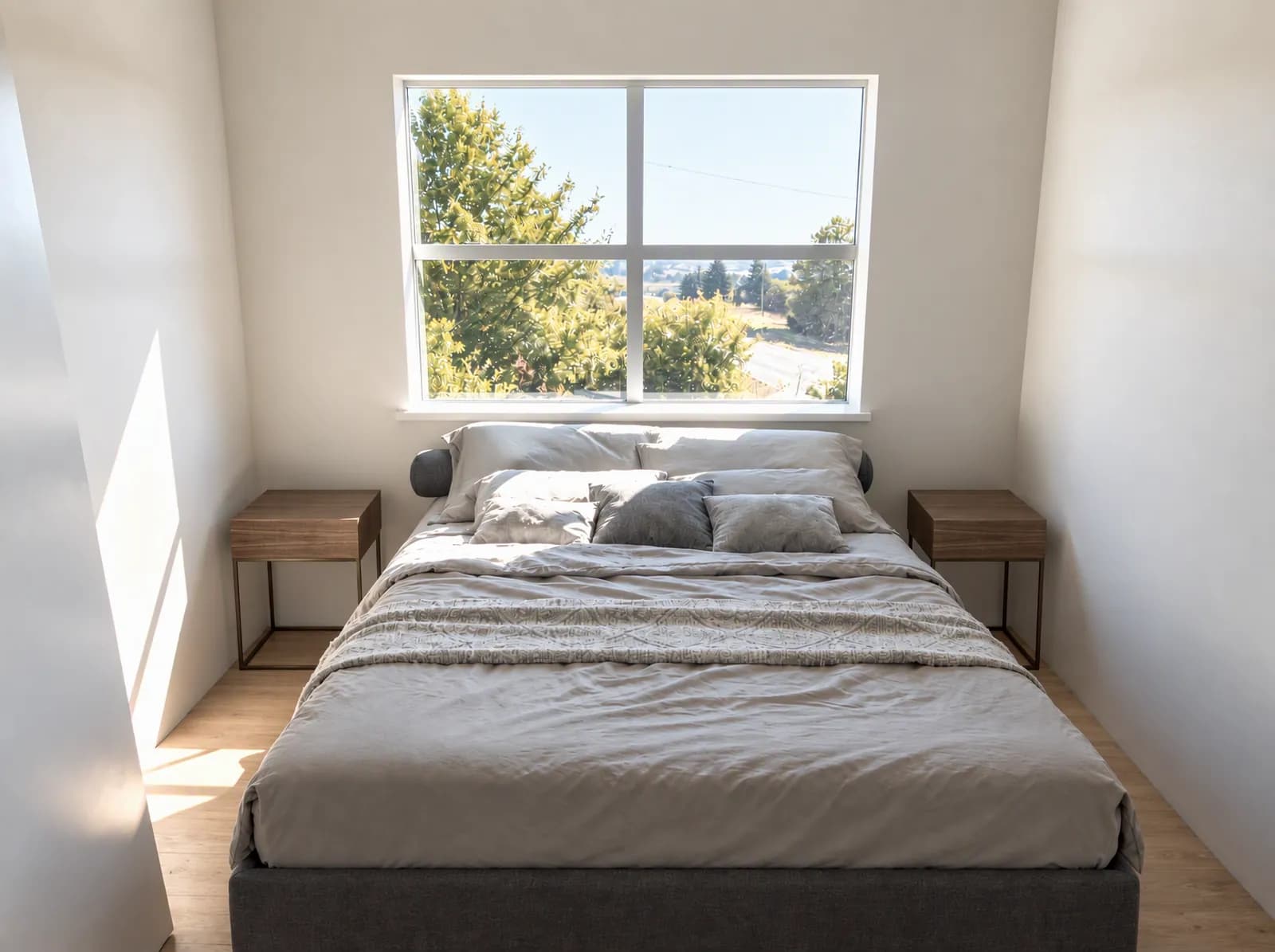
The render was made from that same view.
Bedroom with walls drawn by handBed, two bedside tables and built-in storageFloor plan C
1 Floor plan and camera
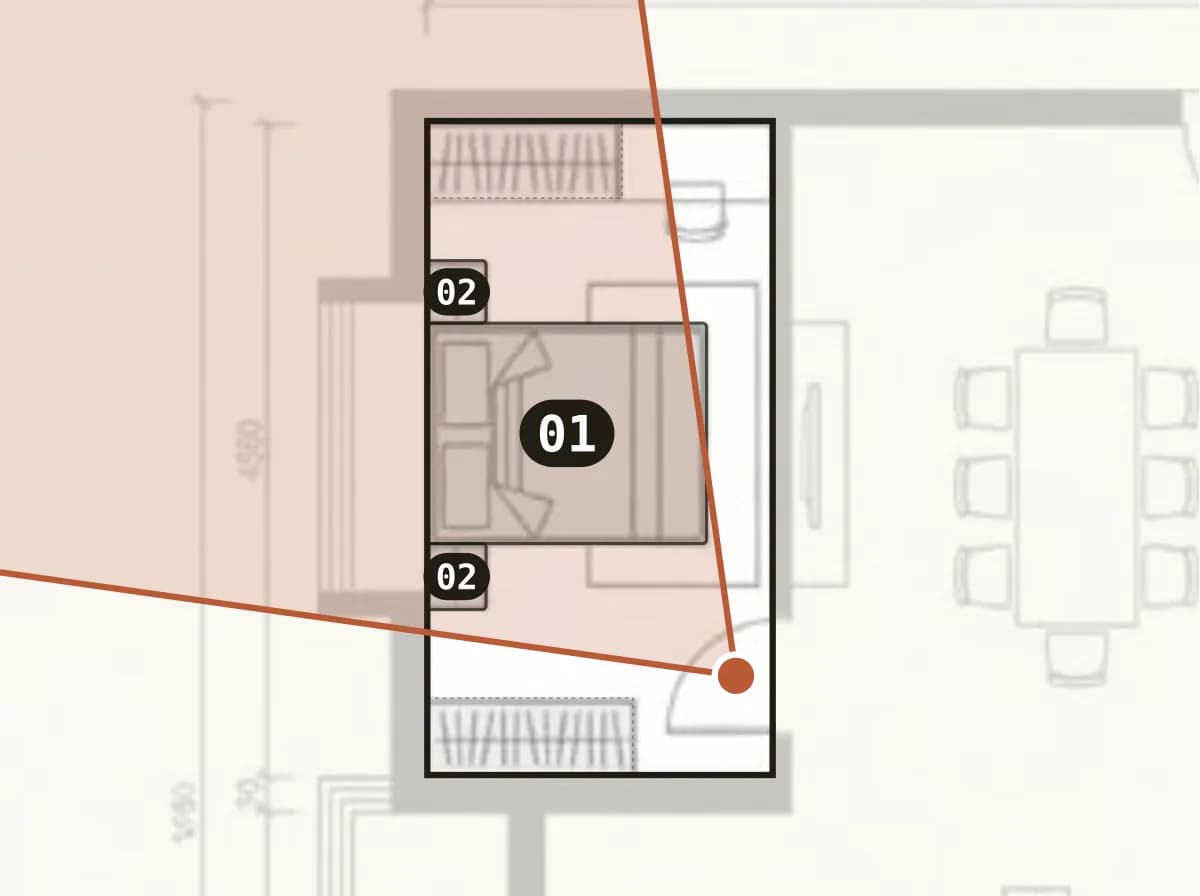
We placed the camera on the floor plan and aimed it.
2 Products placed
- 01APOLLO
- 02BABY
Each number on the plan was a real catalogue piece, placed at its real size.
3 Live view
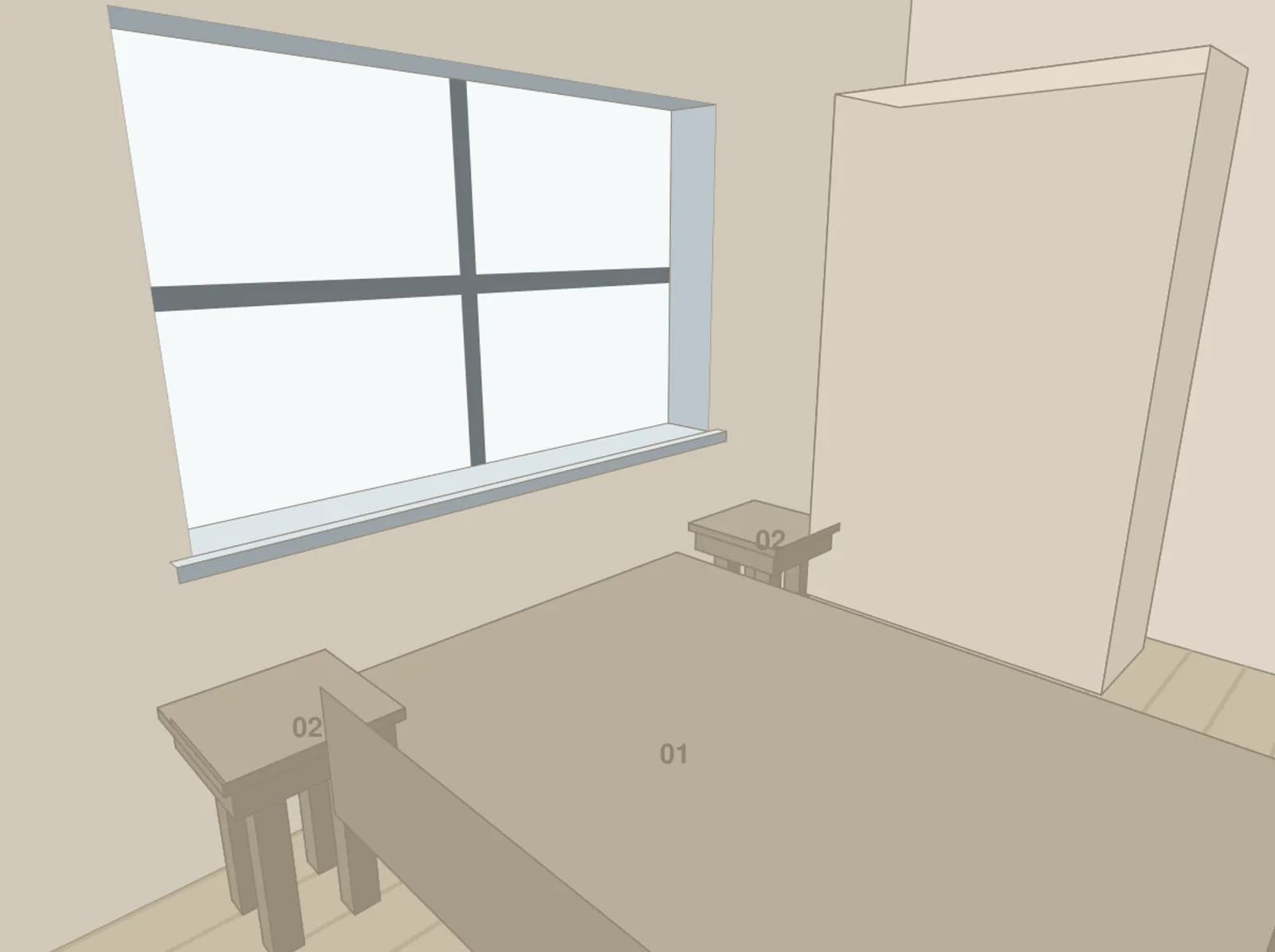
The live view drew that exact shot in blocks before anything was rendered.
4 Render
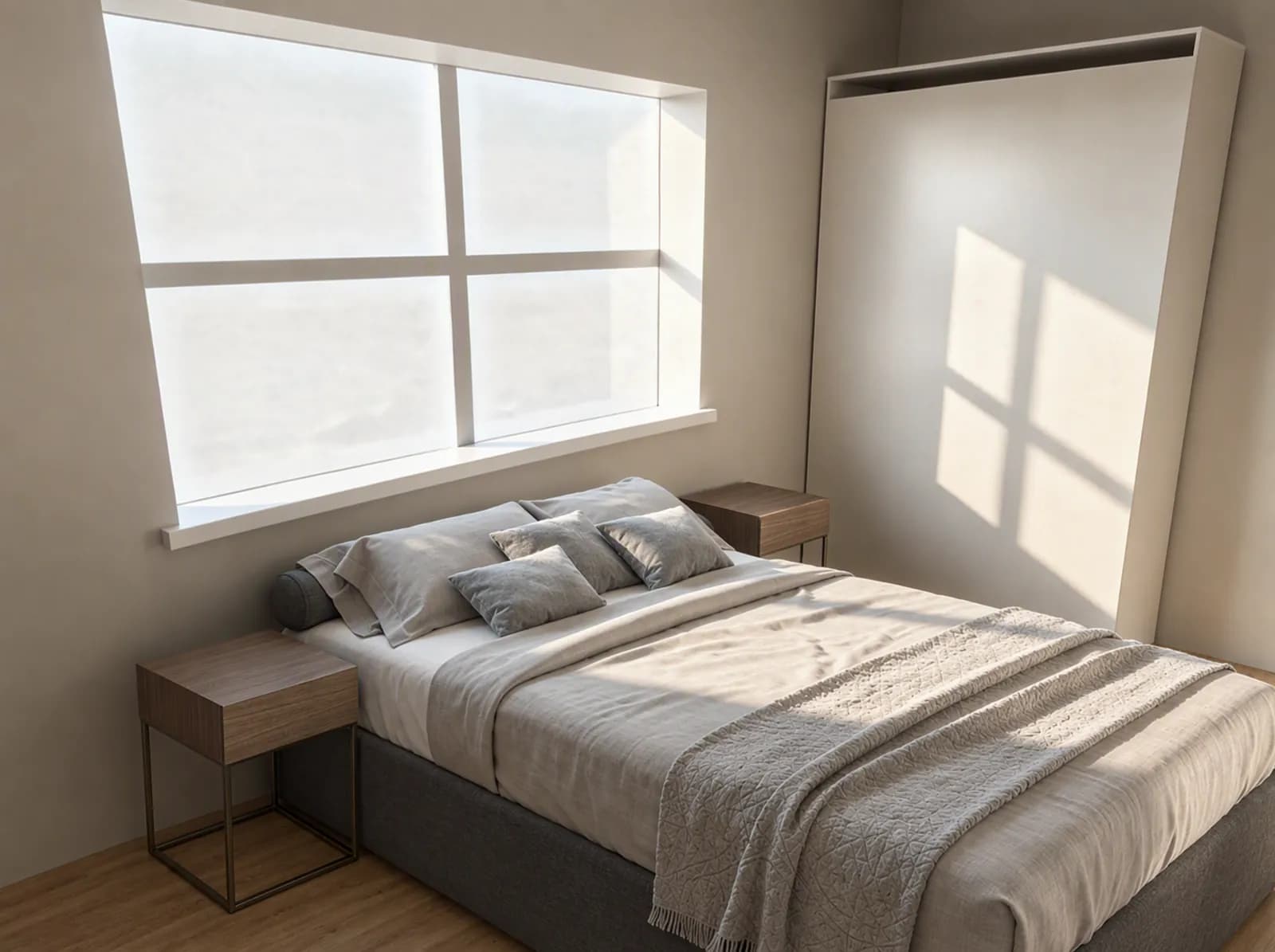
The render was made from that same view.
These are test renders from our own validation round, not client projects. Rendering from blocks, with the camera placed on the plan and the live view, is available on paid plans.
A photoreal interior used to mean 6 pro tools, a 3D artist, and days per room.
A stack of licenses, a specialist, and a lot of waiting.
One browser tab. One room photo. Every look you want to try, in seconds.
All of it. Replaced by RoomGen. From $19/mo.
Upload a room photo and restyle it, relight it or clear it out in seconds. Floor plans too. No modeling, no licenses, no 3D artist.
Every room lives on an infinite canvas.
Floors, rooms and renders organize themselves into sheets you can drag, rename and drop onto. Draw a fresh sheet and prompt an image straight onto it, no files, no exporting.
A surface to arrange onto.
A blank frame to gather renders, AI sheets and references, a moodboard page you build in seconds.
Prompt an image onto it.
Draw a fresh sheet, then prompt to generate an image right where it sits. No files, no exporting.
Draw the plan itself.
Walls, doors, windows, rooms and real furniture blocks on an infinite grid, and the composer adapts to whatever you select.
Your whole studio in three screens.
Agent, Designer library and AI Video are the three faces of the panel that floats over your canvas. Chat a change, apply a one-click preset, or turn a render into film. All on the same plan.
Generate the room
Brief it in the Agent. It traces the plan and renders onto the AI sheet.
Restyle or re-light in one click
Open the Designer library. Golden hour puts the shot in warm evening sun; a house style re-renders the whole room.
Re-light, restyle or stage the selected AI sheet, one click each.
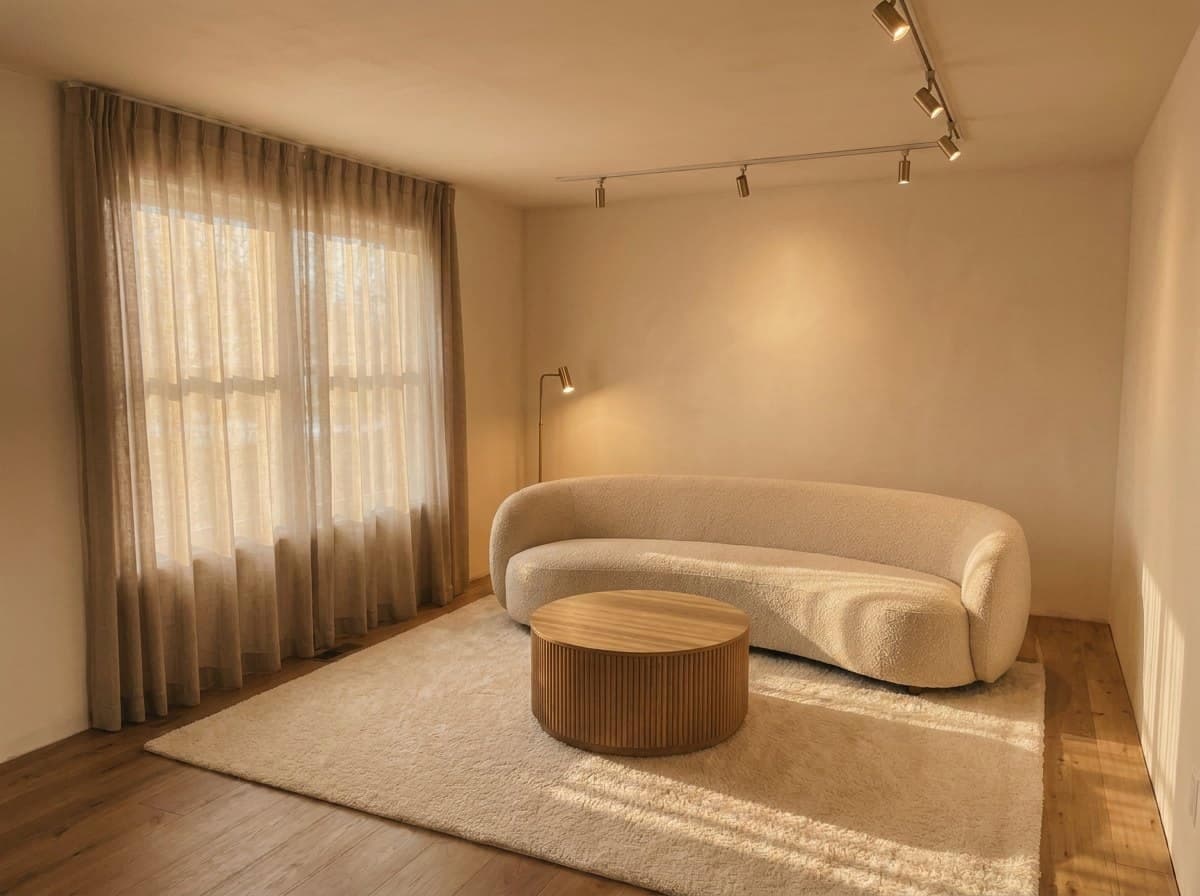
 Golden hourRe-light the same shot with warm low evening sun.
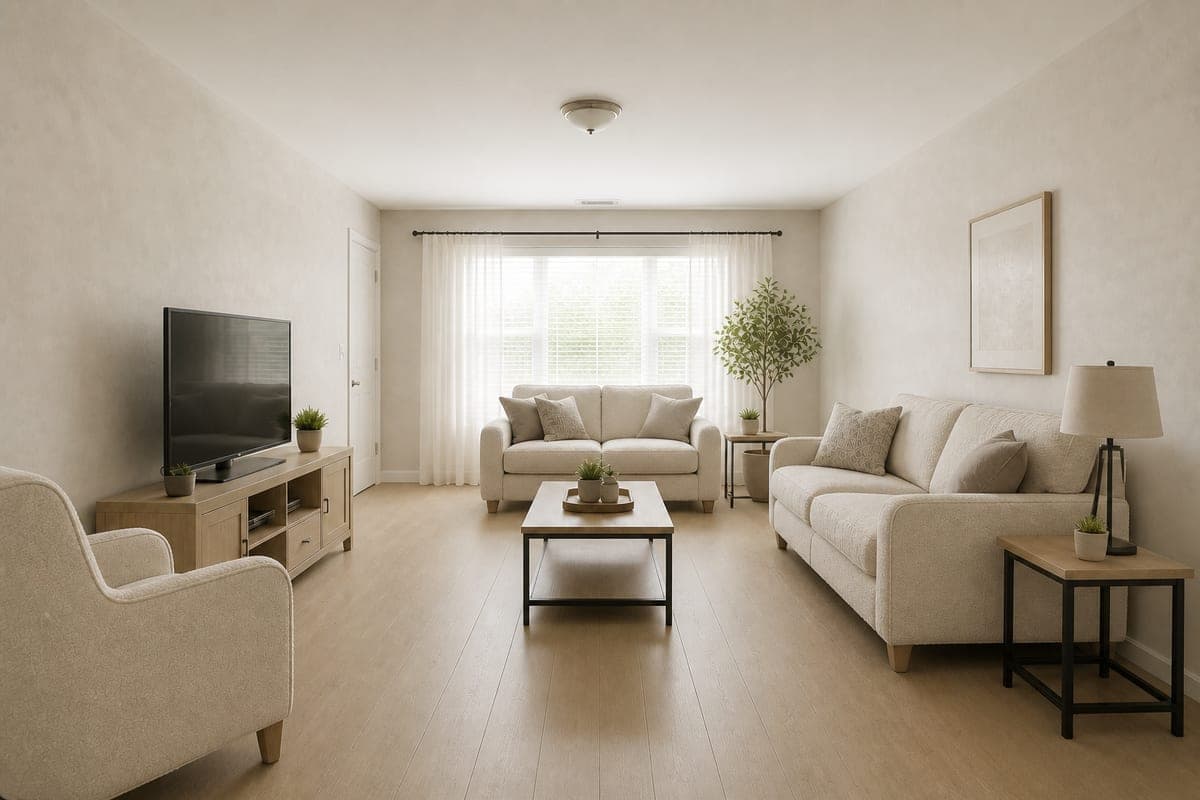 Restyle my roomSame layout, new look. Swap the finish and fabric palette.
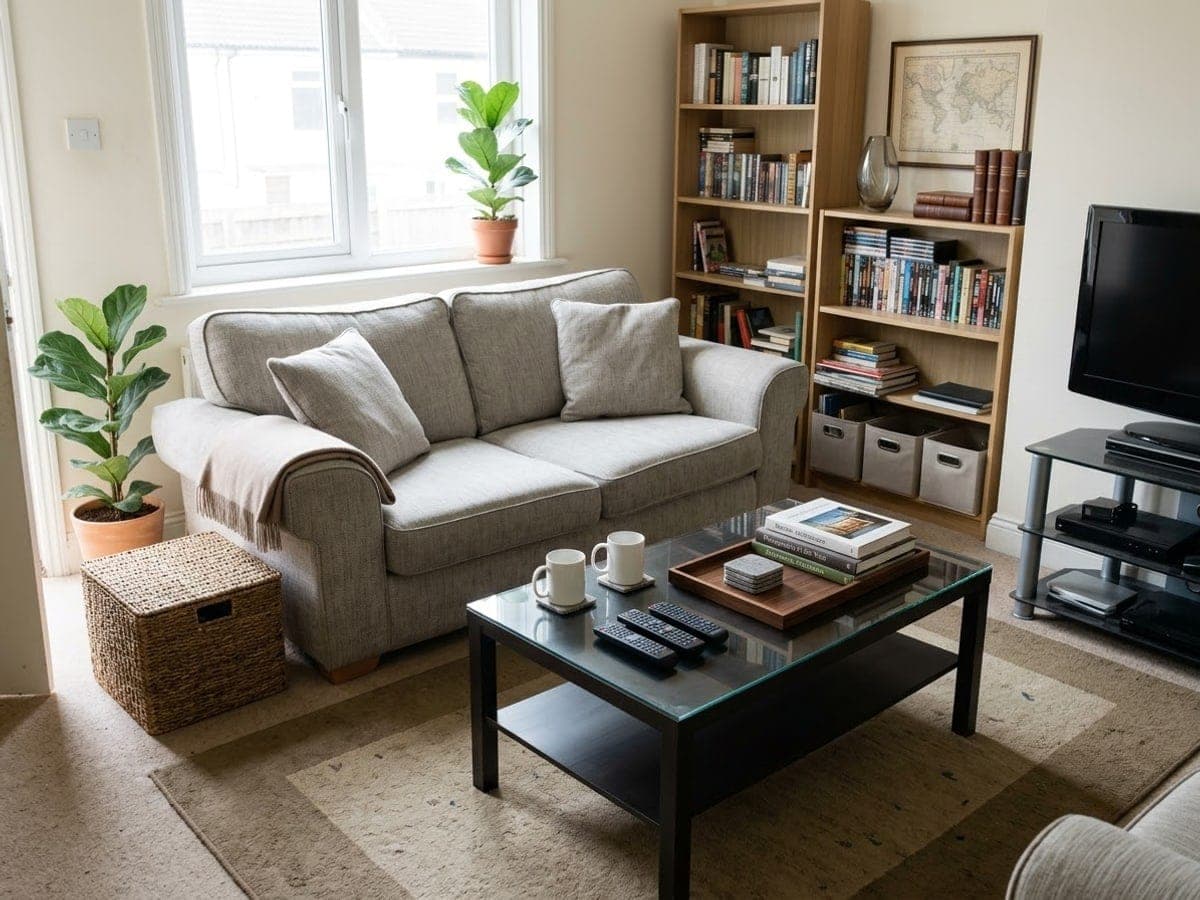 DeclutterRemove loose clutter and small objects, keep the furniture.
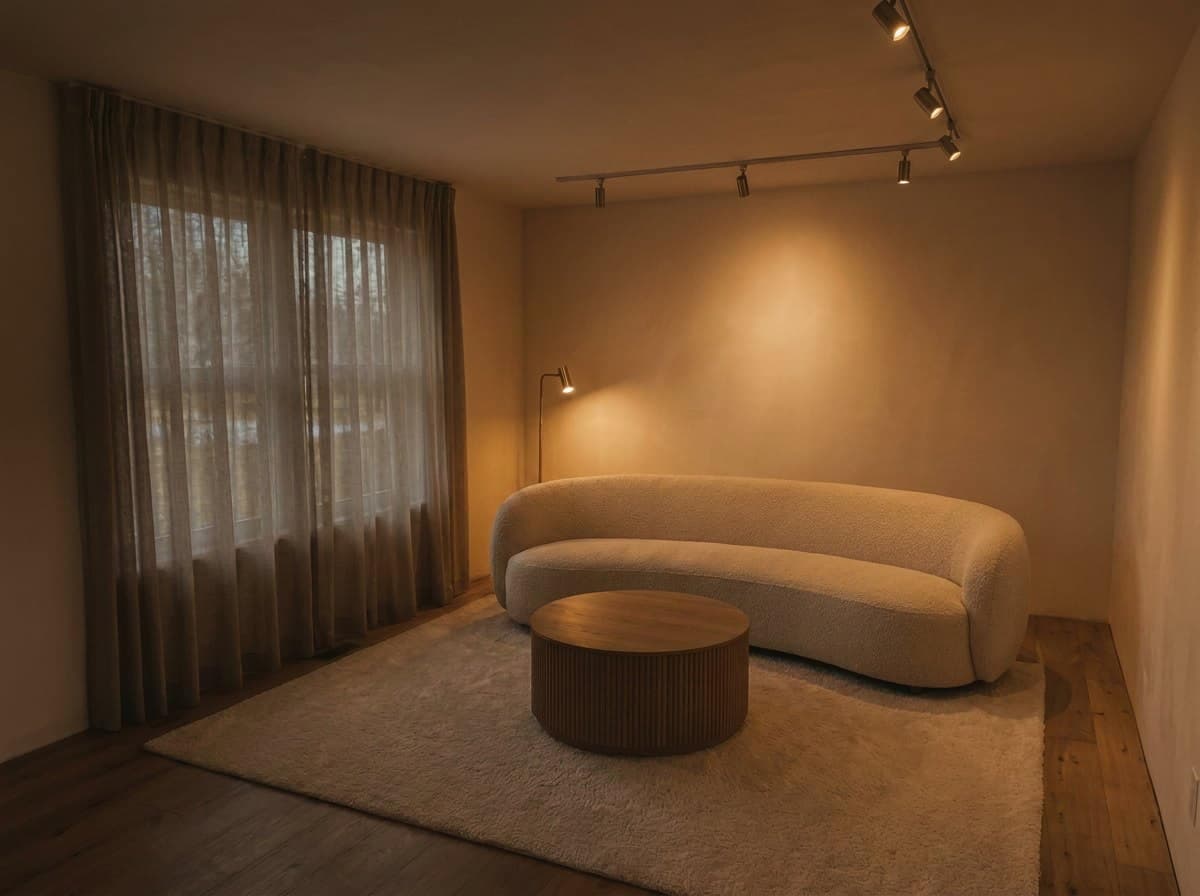 Night sceneEvening mood, lamps on, city-dark windows.
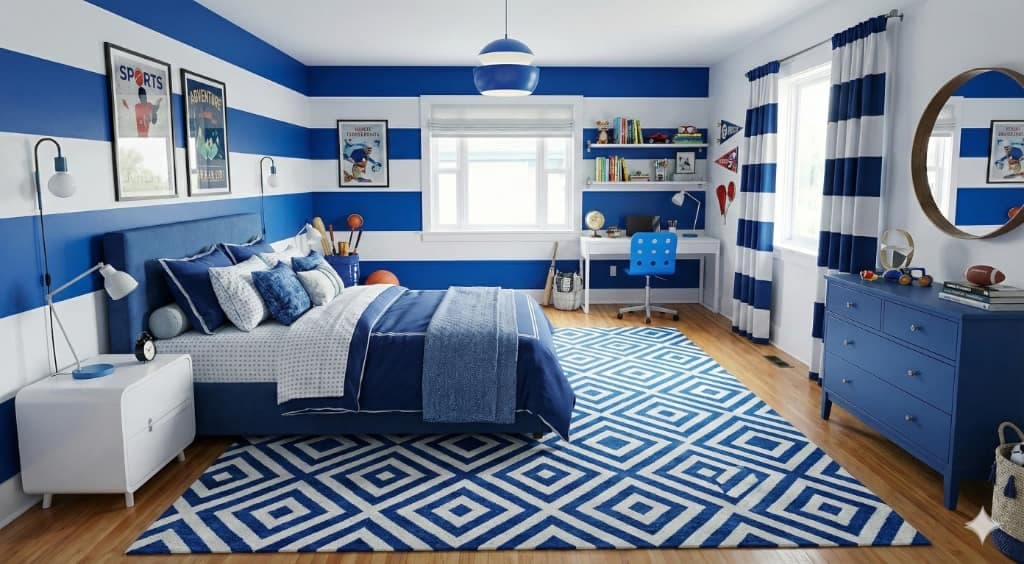 Paint try-onRepaint the walls sage green, everything else untouched.
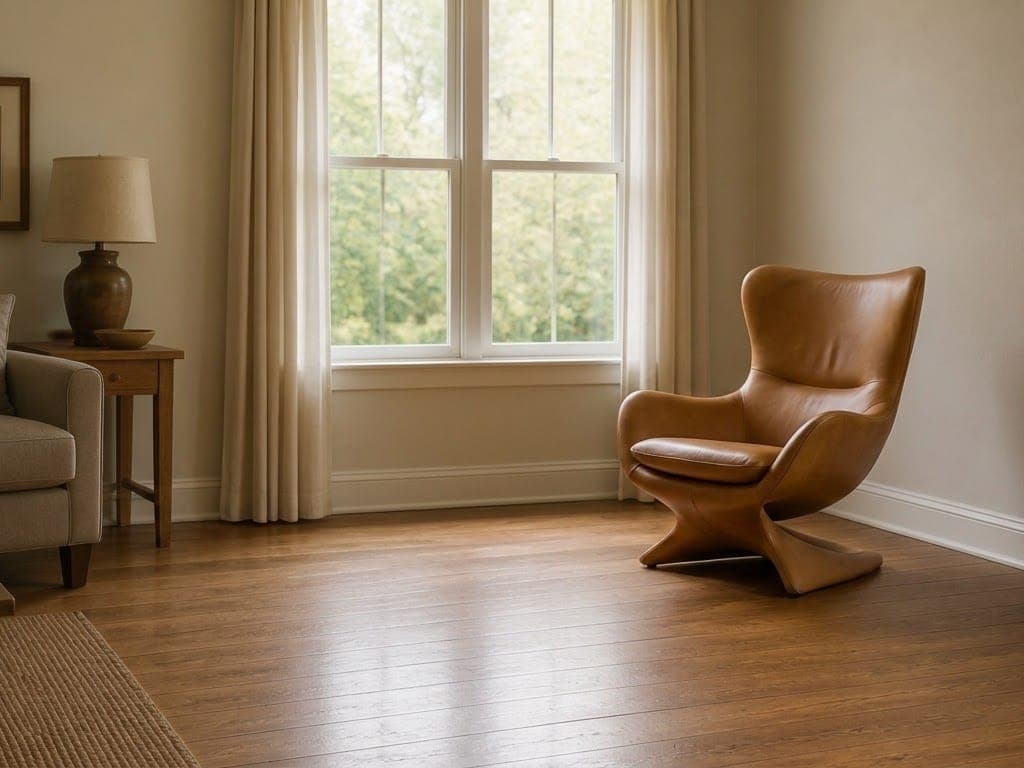 Stage my listingReal-estate polish: styled, bright, magazine-ready.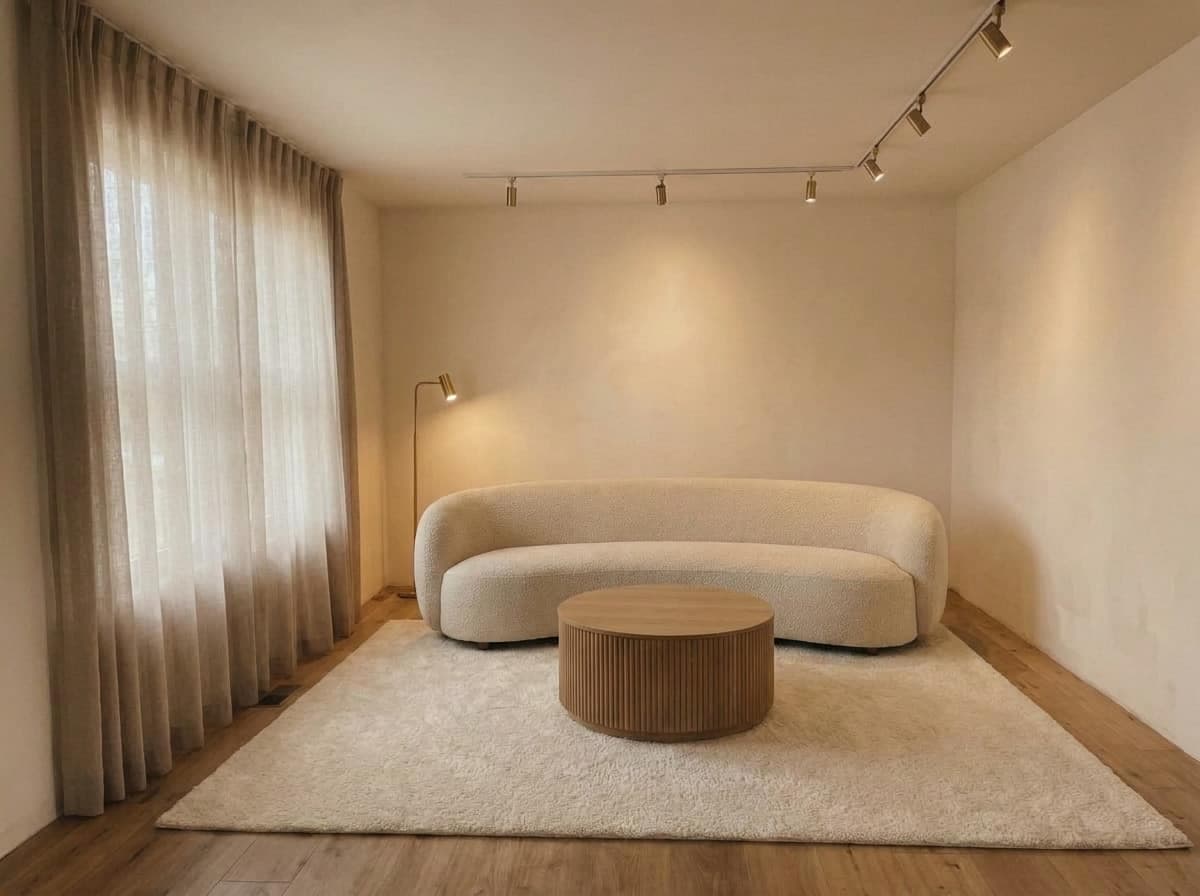
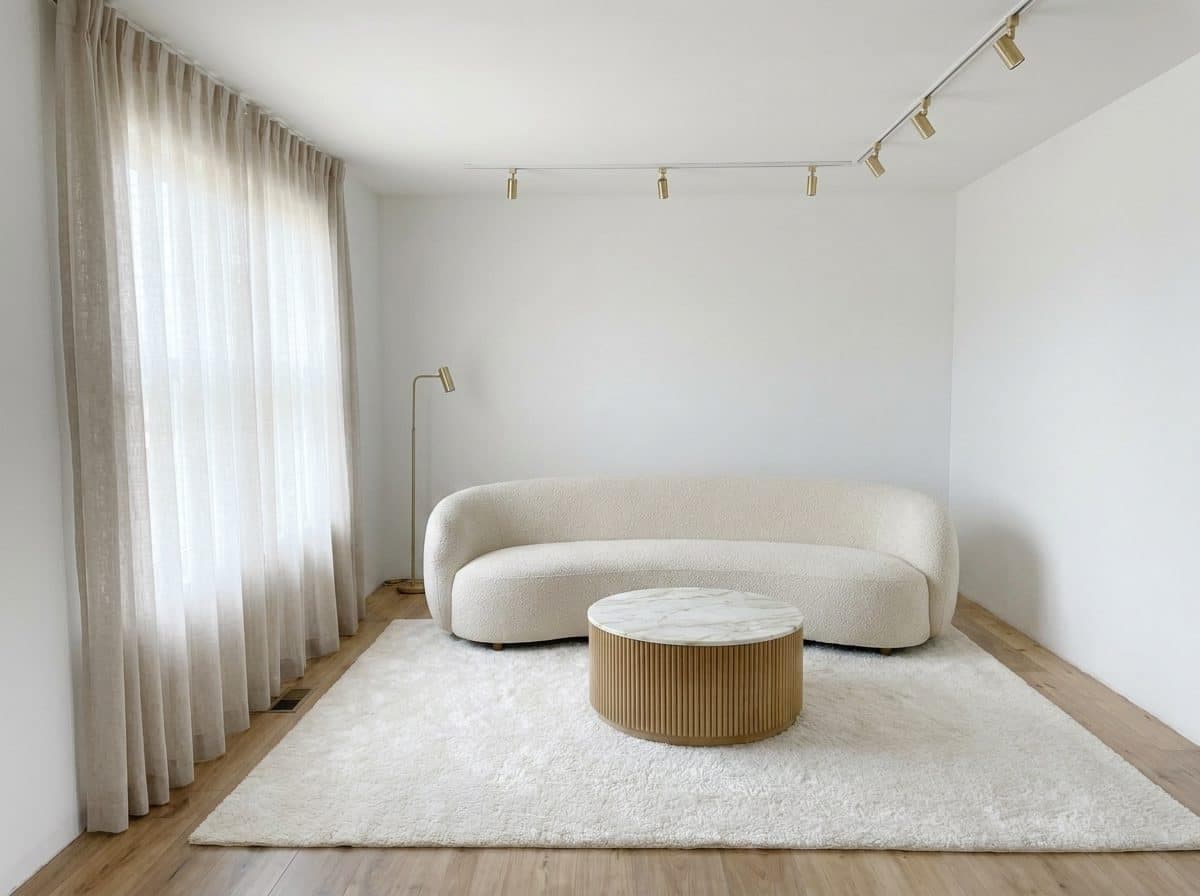
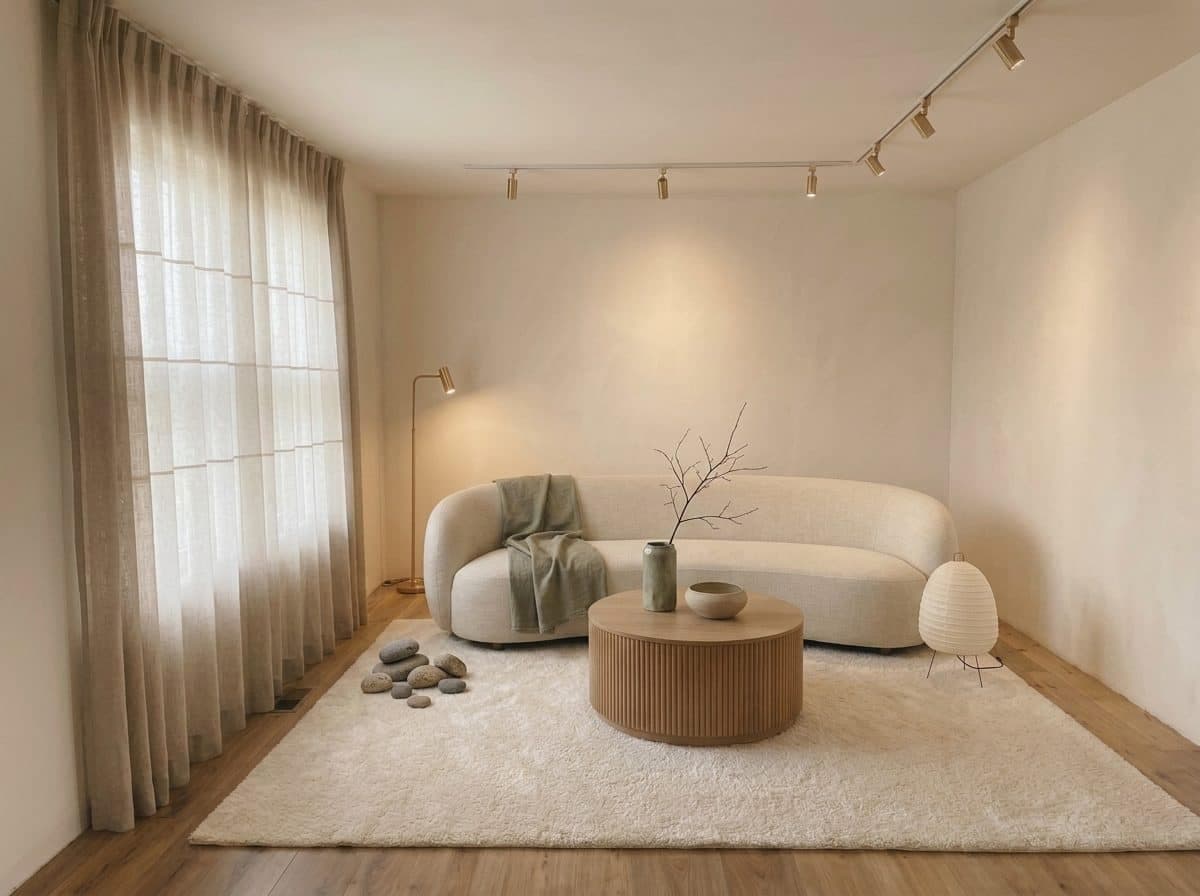
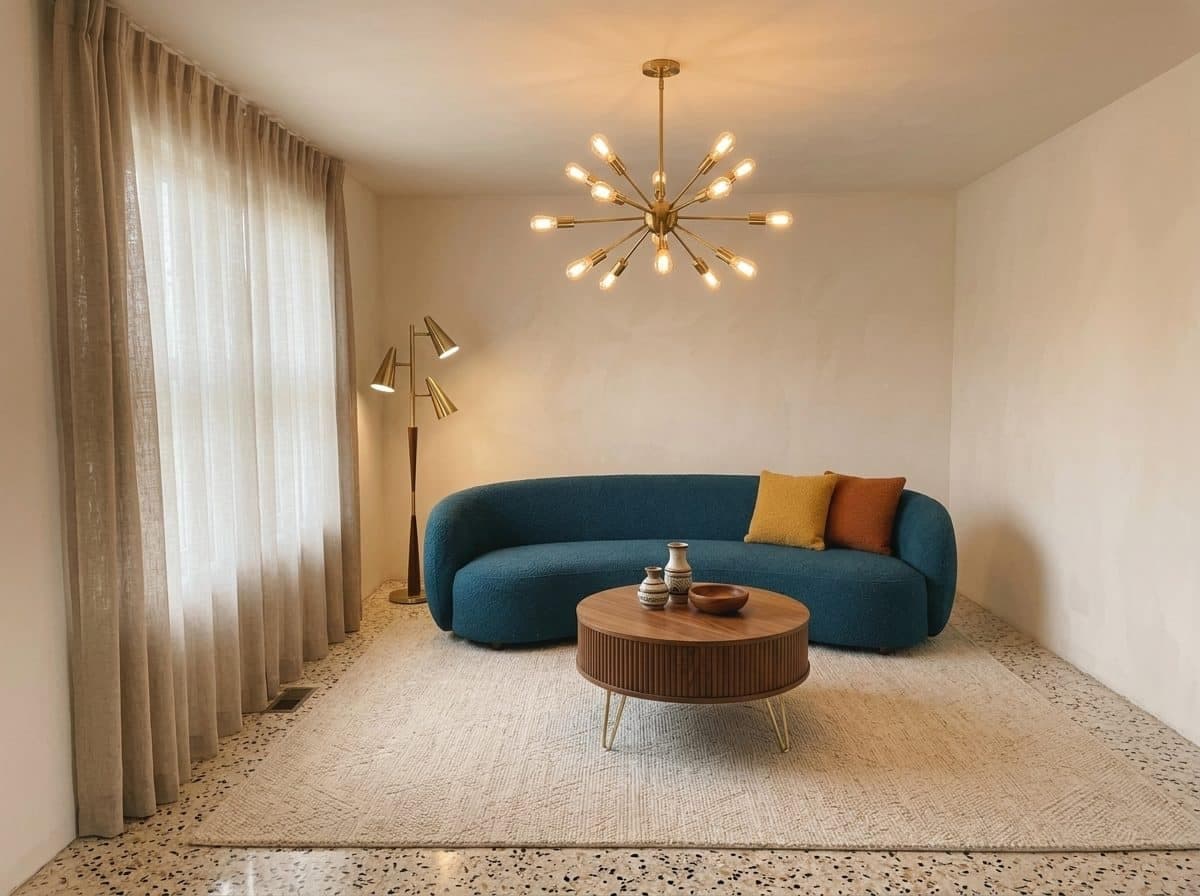
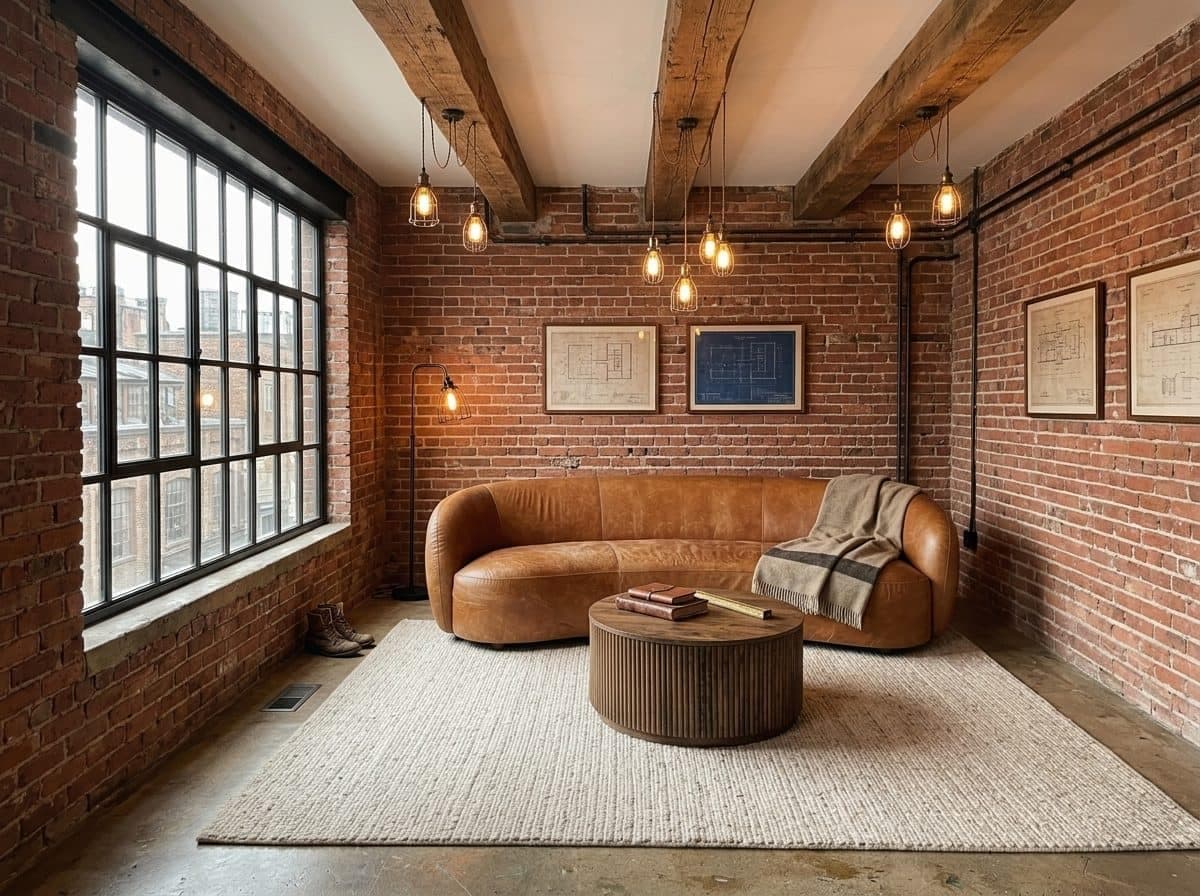
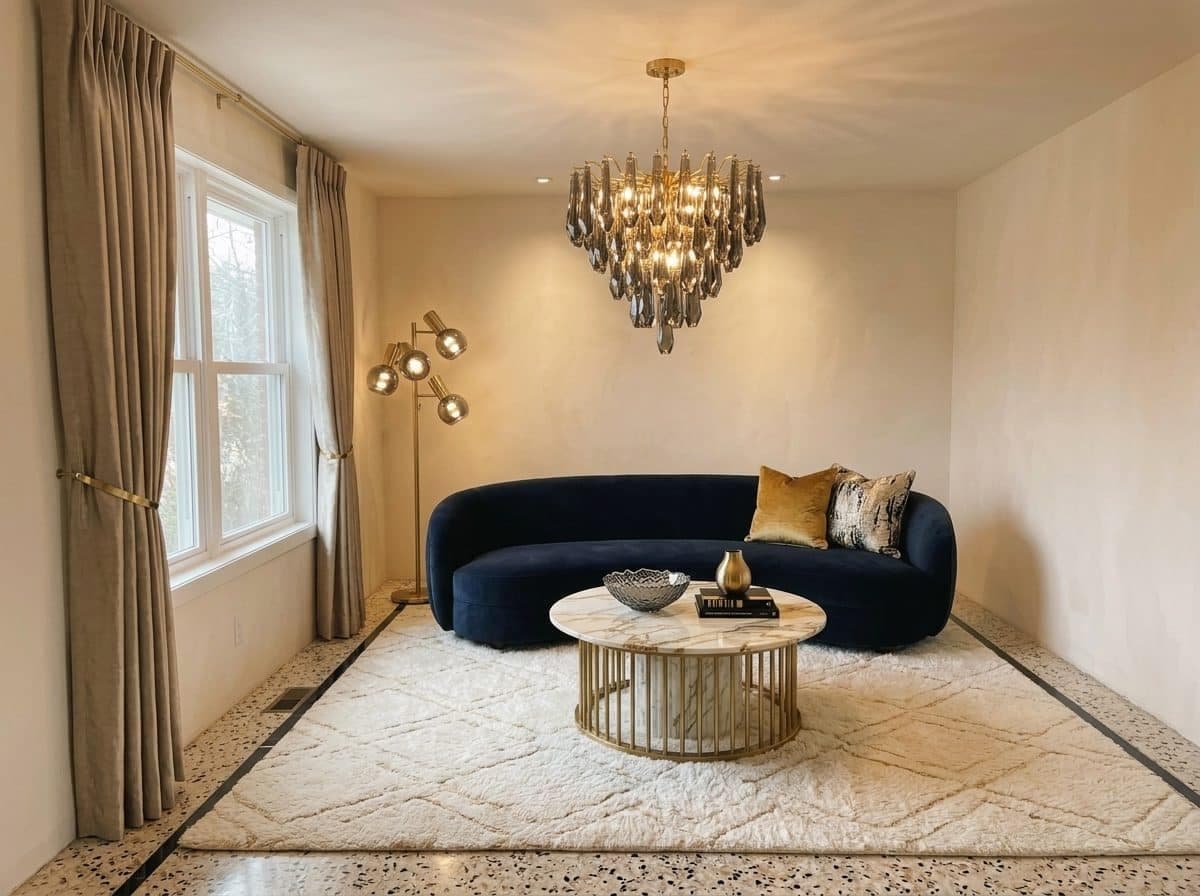
 Original render
Straight out of the Agent. Same room, same camera, untouched.
Set it in motion
Switch to AI Video and pick a camera move. The render becomes a short clip.
Select a render tile or an AI sheet. It becomes the final reveal of the video.
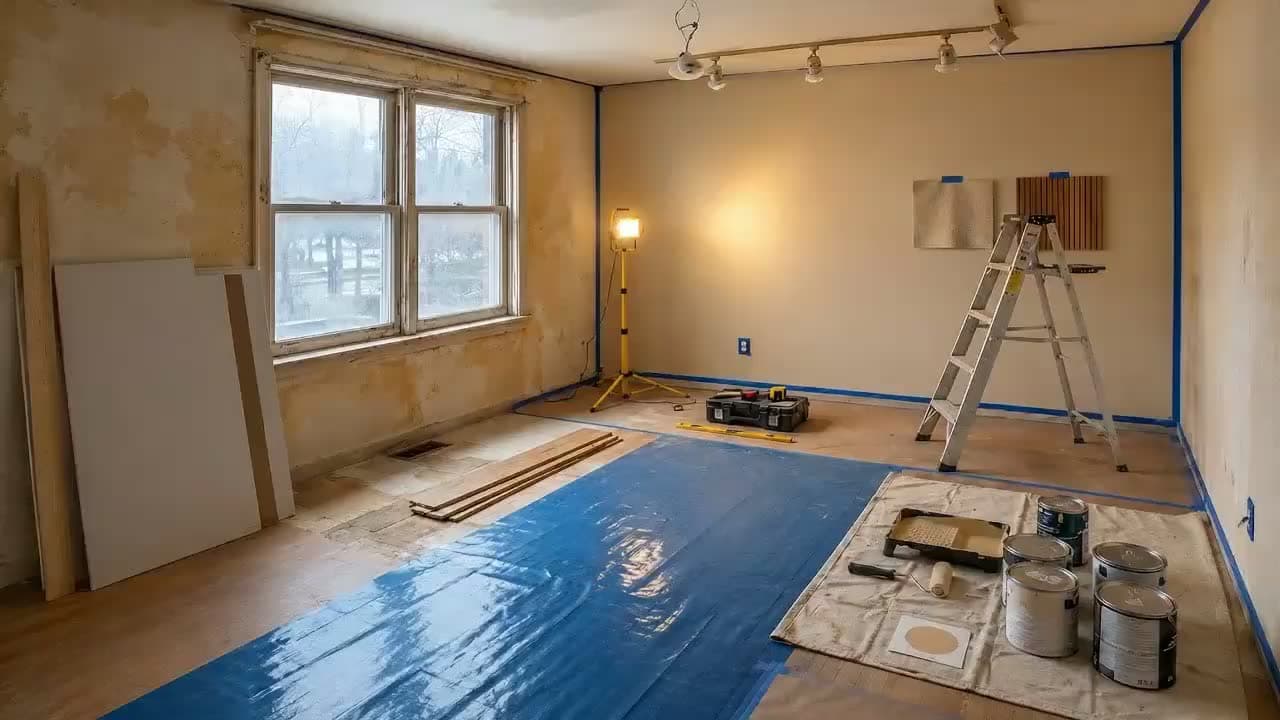 Renovation revealBare room → construction timelapse → your finished render.
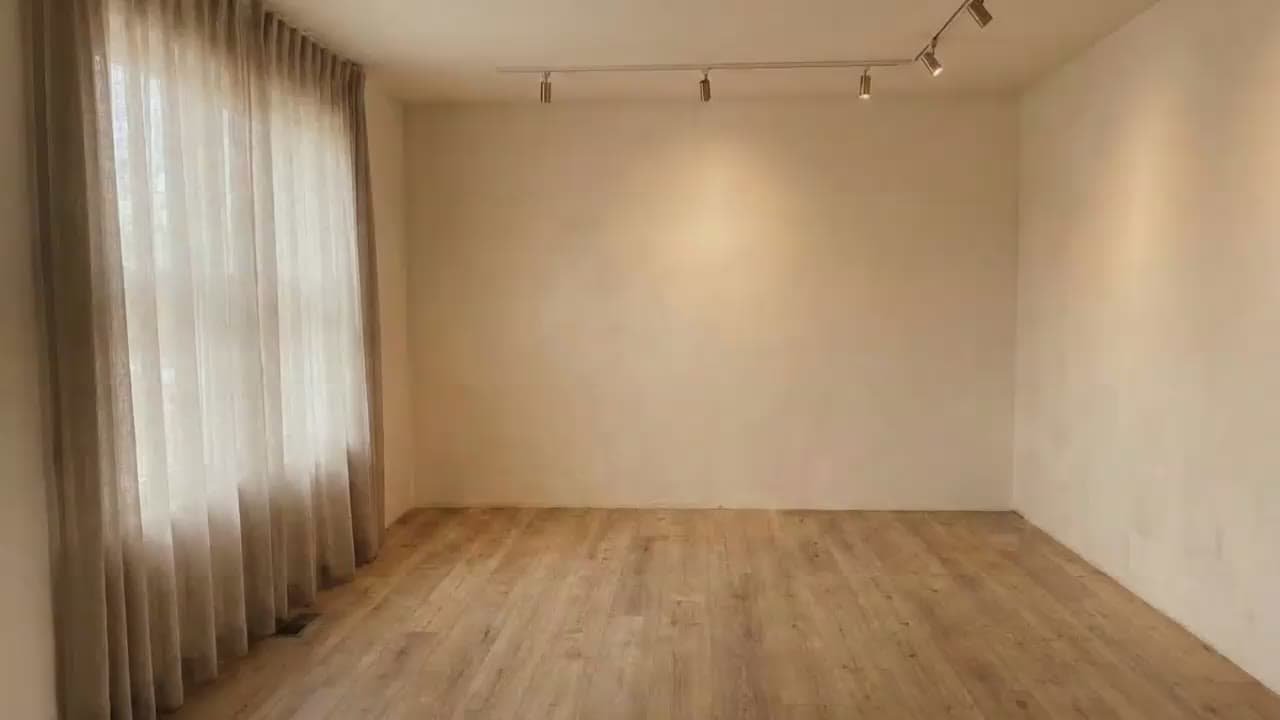 Furniture pop-inThe empty room furnishes itself piece by piece, stop-motion style.
Turn the selected render into a short clip with a camera-move preset.
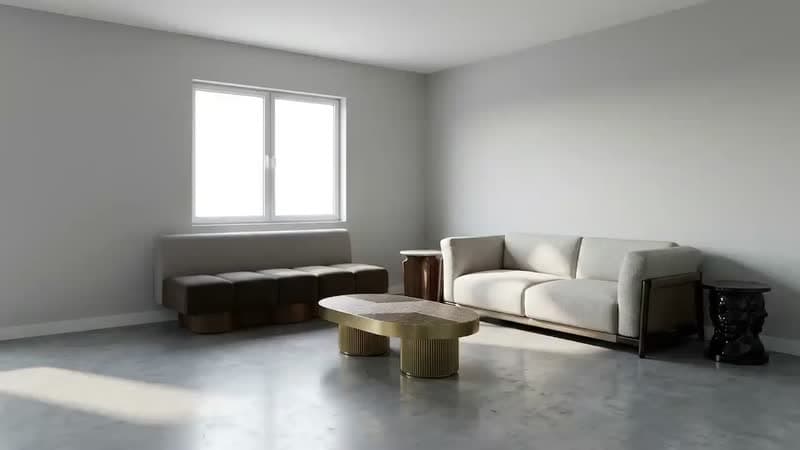 Push inSlow dolly forward into the room.
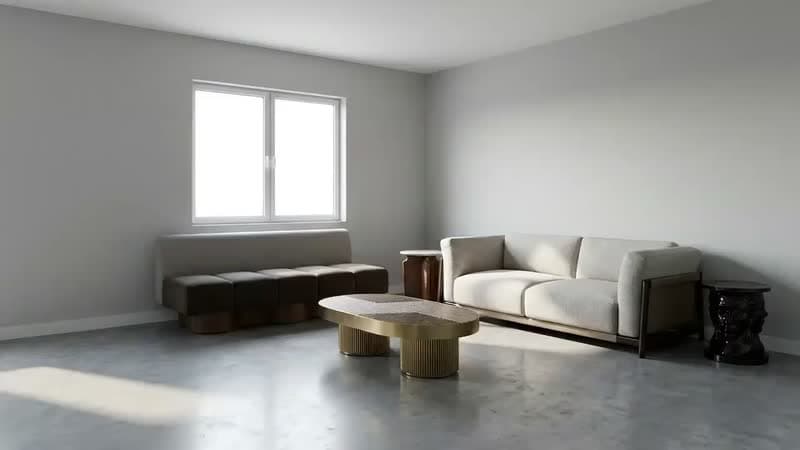 Pull backEase back from a close-up to the full view.
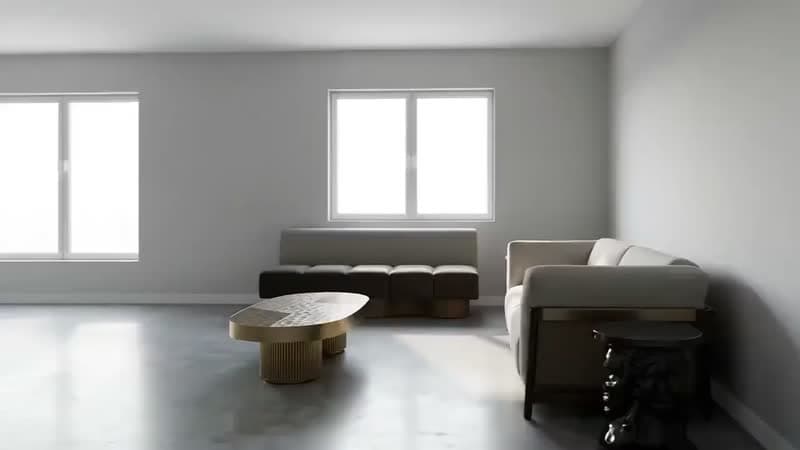 Orbit leftArc around the room to the left.
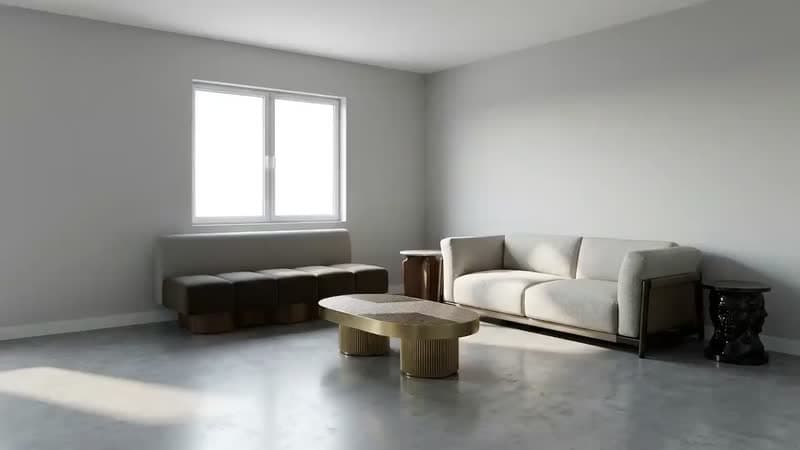 Orbit rightArc around the room to the right.
See each screen in full.

Done. The living room is furnished and rendered. I placed an oak media console, a boucle sofa and a woven rug, lit it warm mid-century, and the hero shot is on the canvas.
Brief a change in plain words; watch it trace, furnish and render, step by step.
Select a floor plan on the canvas, then pick a style below.
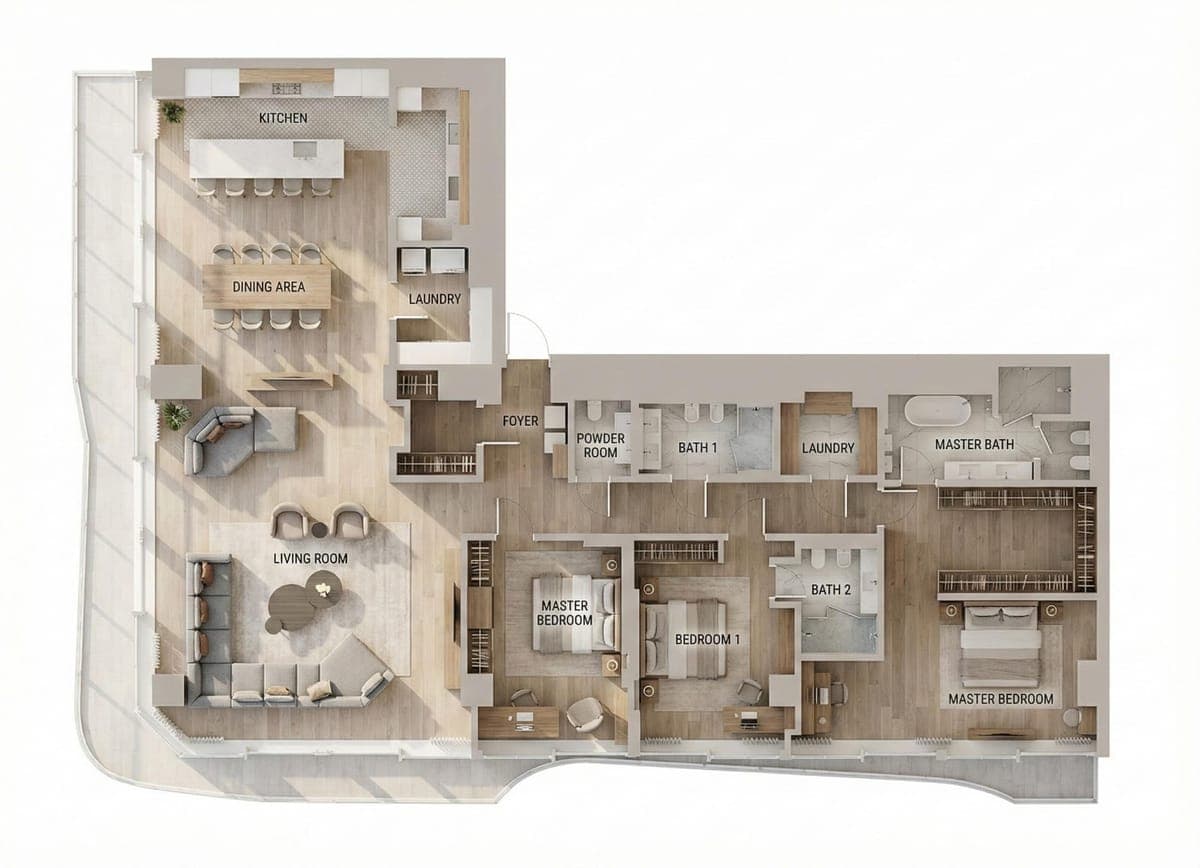 Modern top viewClean lines, neutral palette, straight-down plan render.
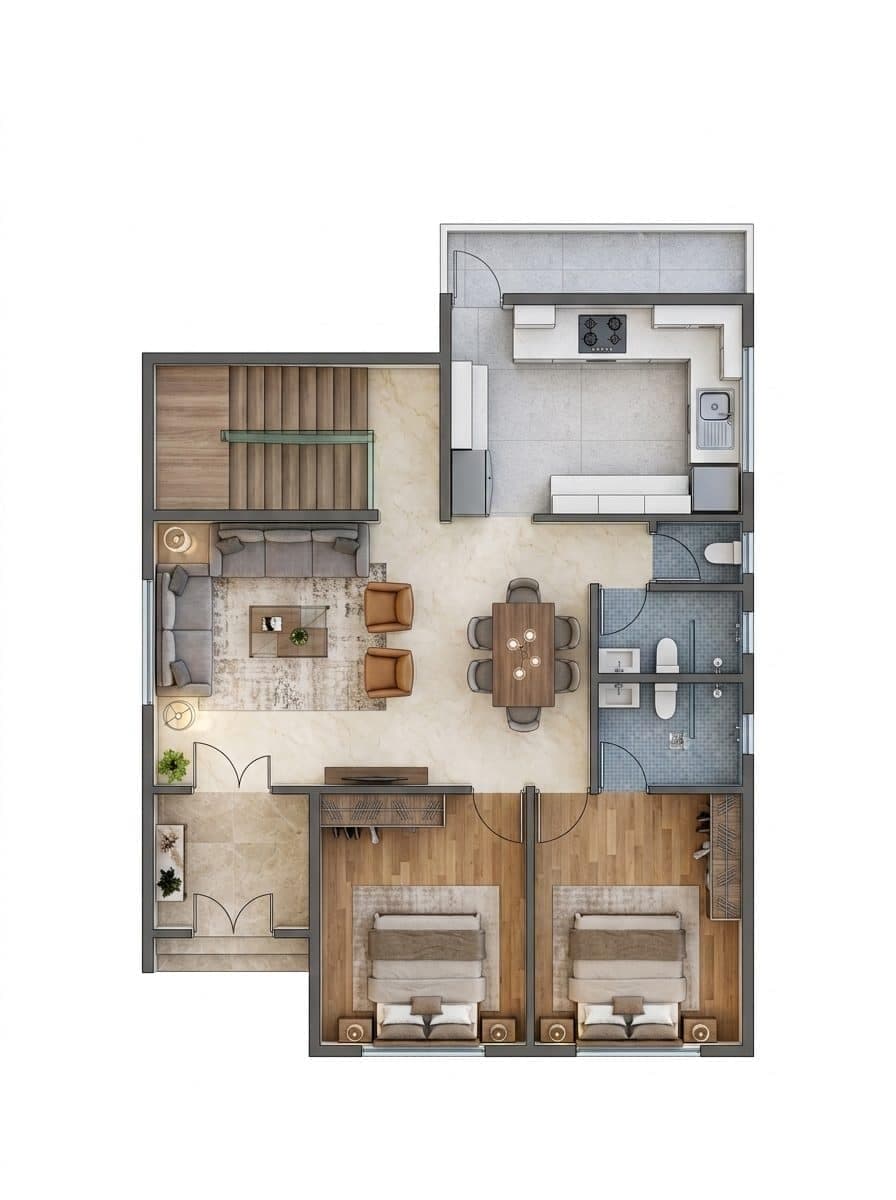 Furnished planClean 2D plan drawing with real furniture and flooring.
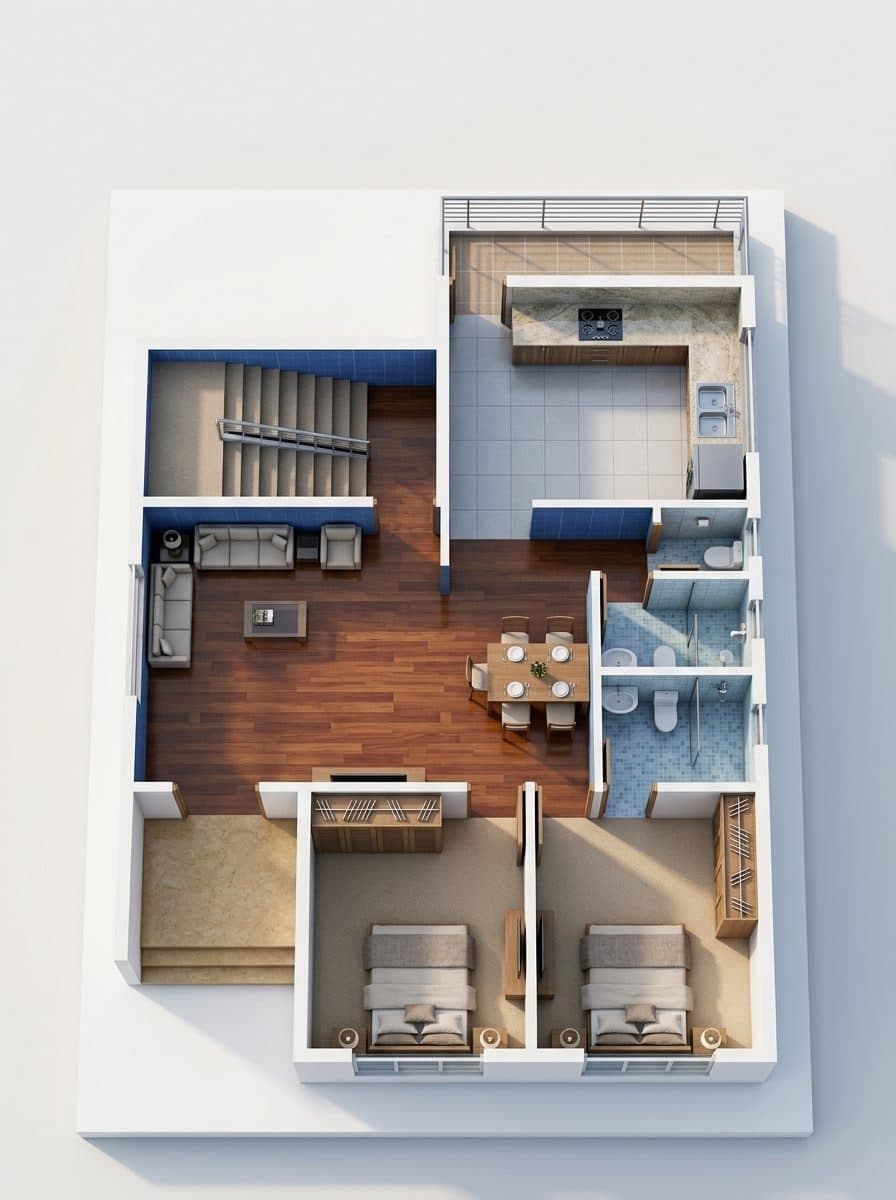 3D isometricBlueprint-style isometric with extruded walls.
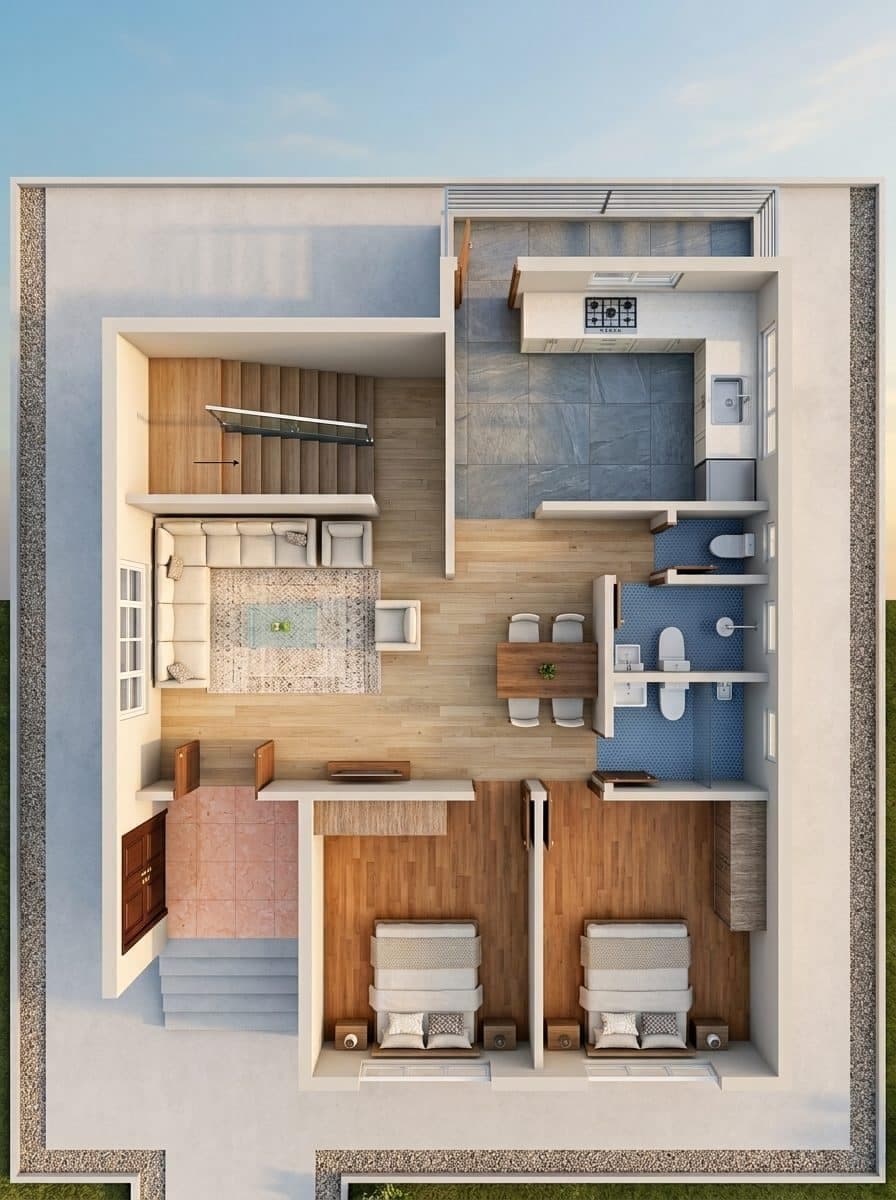 Aerial · dayPhotoreal bird's-eye view in soft morning light.
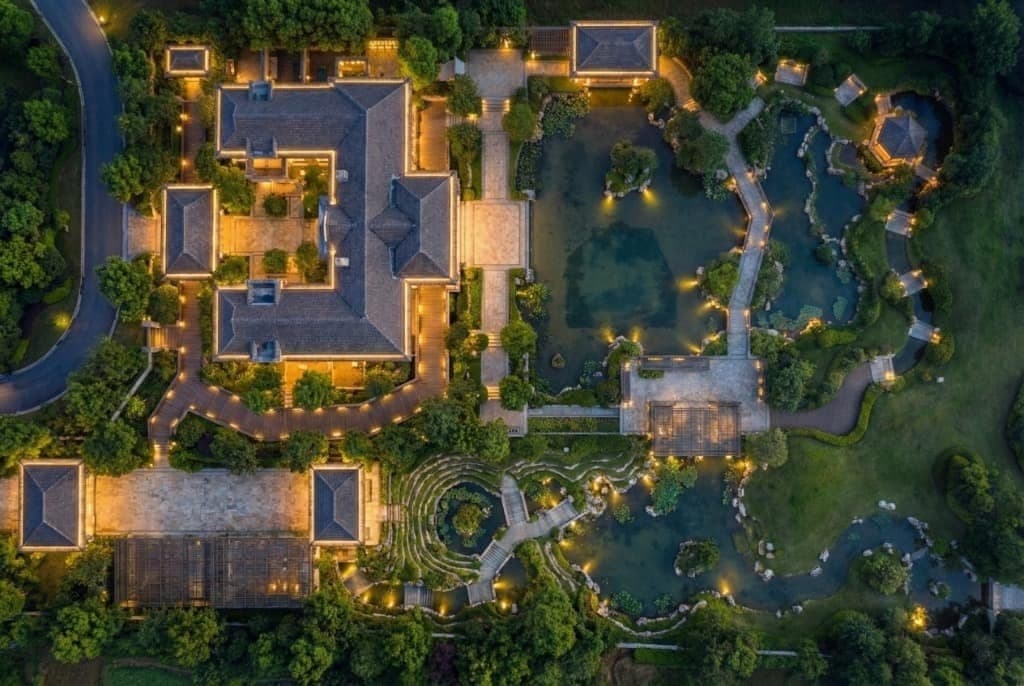 Aerial · nightBird's-eye at night with warm interior lighting.
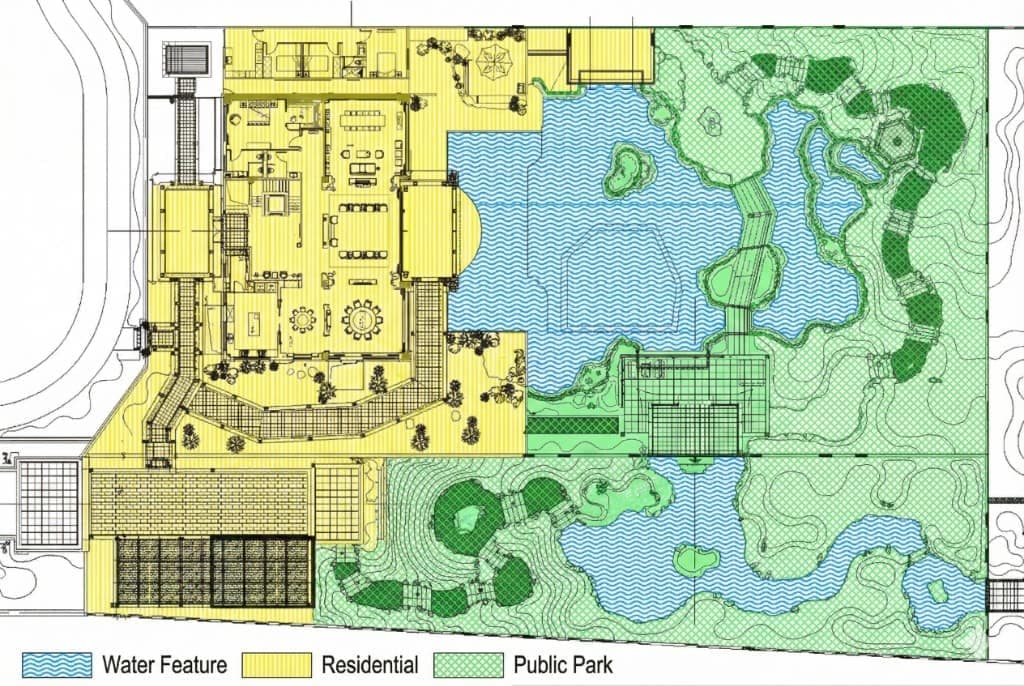 Zoning mapEach functional zone tinted its own color.
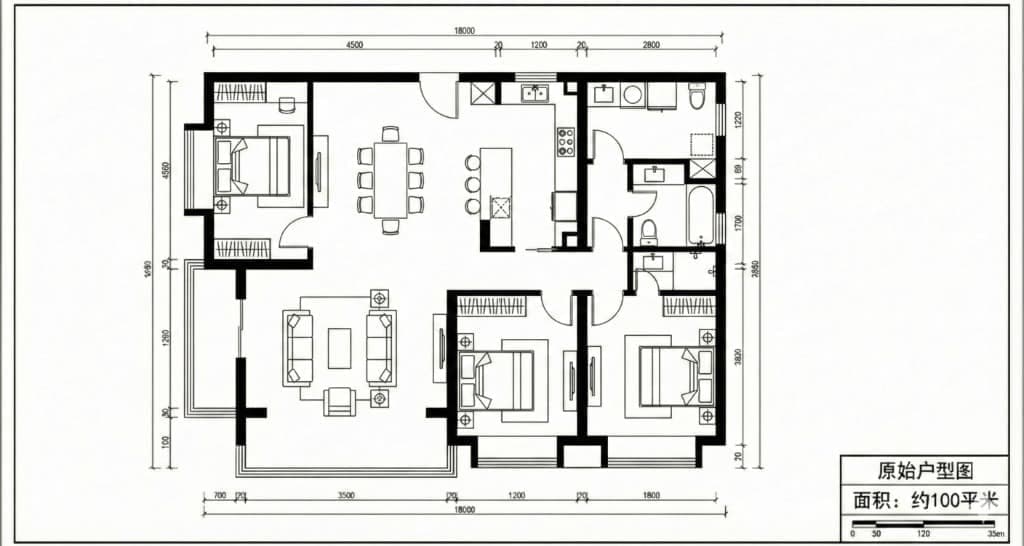 Layout planColored CAD-style layout plan with crisp linework.
Restyle the plan as a top-down render, isometric or aerial, plus room angles and design tools, each one-click.
Select a render tile or an AI sheet. It becomes the final reveal of the video.
Renovation revealBare room → construction timelapse → your finished render.Furniture pop-inThe empty room furnishes itself piece by piece, stop-motion style.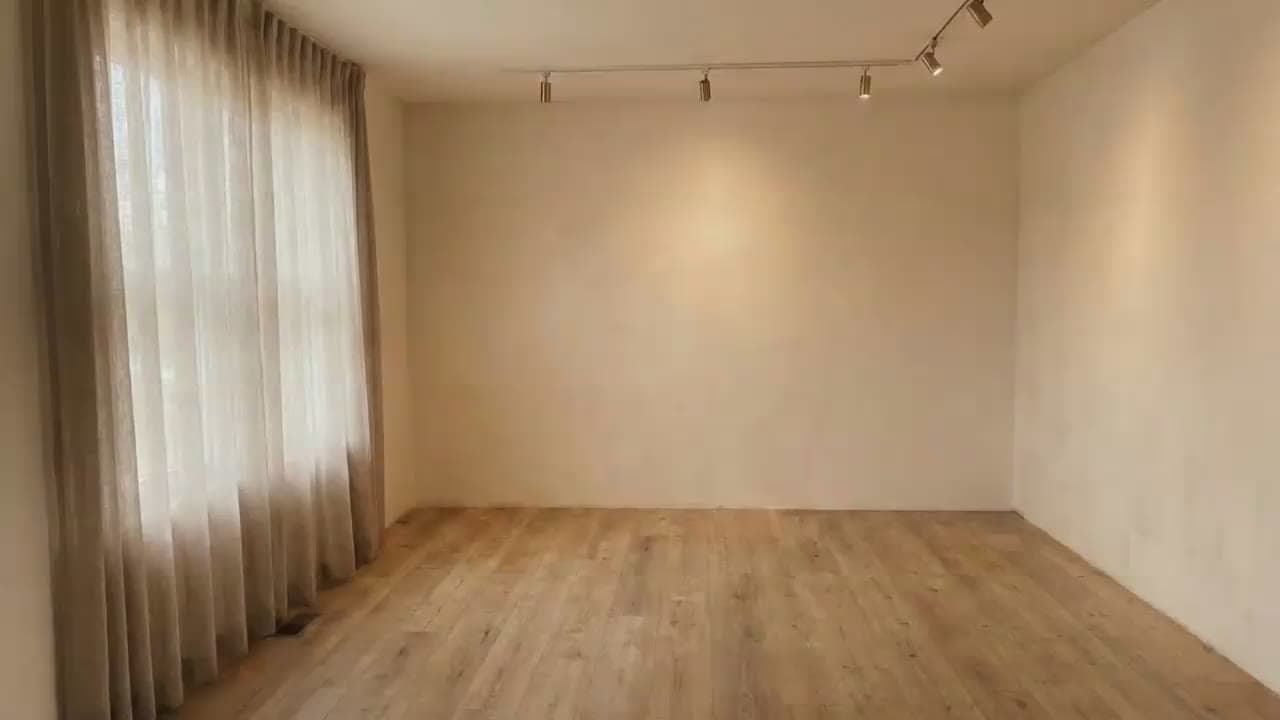 UnboxingA gift box opens and the furniture bursts out to assemble the room.
Select a render tile or an AI sheet on the canvas to turn it into a clip.
Push inSlow dolly forward into the room.Pull backEase back from a close-up to the full view.Orbit leftArc around the room to the left.Orbit rightArc around the room to the right.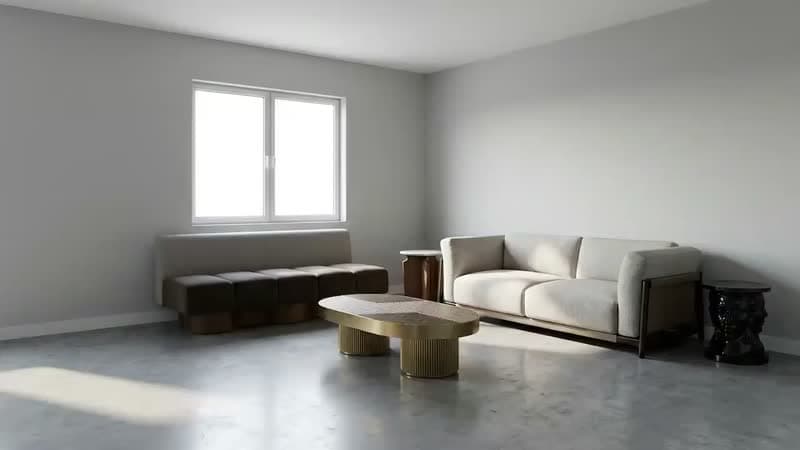 Pan acrossTripod sweep, left to right.
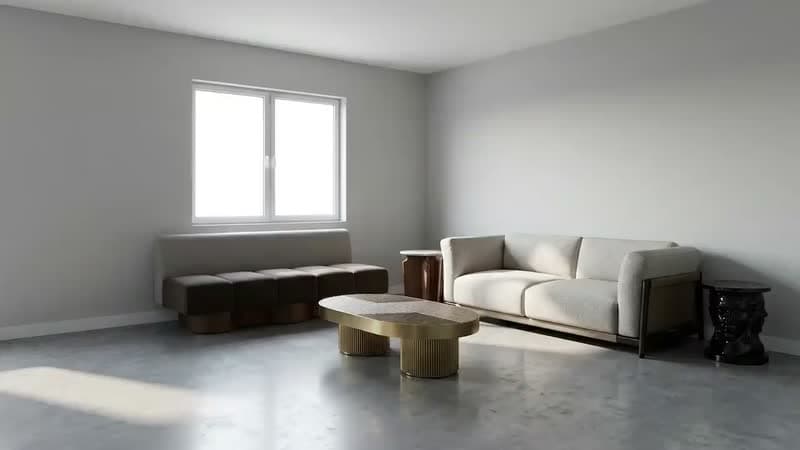 Rise upRise gently up to the full view.
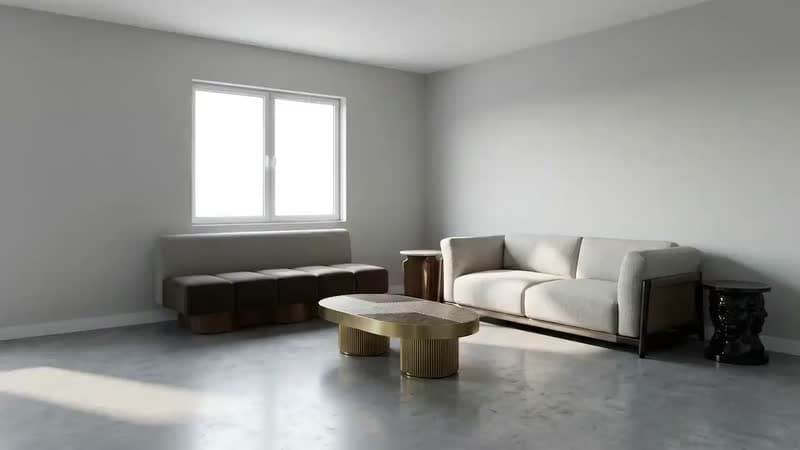 DescendLower gently from the full view.
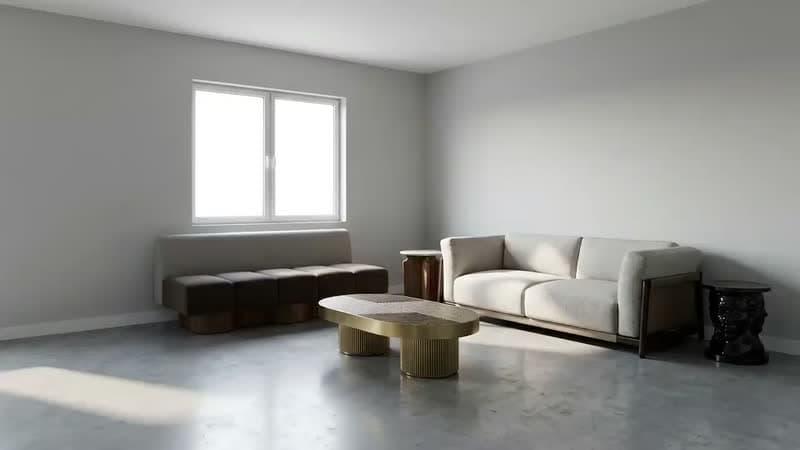 Walk inEnter the room, first-person.
Turn the selected render into a short clip with a camera-move preset.
Furnish with
Smart Fill searches a catalog of thousands and places real products at true scale, grounded in your walls. Every piece is one you can actually source.
- Zone the room from the plan
- Smart Fill proposes real catalog pieces
- Swap, nudge or lock each one
Perfect for: designers pitching real, catalog-true pieces at true scale.
100 free credits · no card · preview your first room on us.
 ✓ Placed
Welcome
Fendi Casa
9'6" × 4'1"
 ✓ Placed
TWILLI
Porada
6'1" × 2'4"
 ✓ Placed
Ratio coffee table
Turri
 ✓ Placed
Nook console
Turri
4'7" × 1'8"
 tight
tightPearl Sofa
Bentchair
12'6" × 4'2"
 ✓ fits
The Quad Sculptural Light
Bentchair
1'8" × 1'5"
One plan. A team of agents.
Hand over a plan and agents spawn in parallel: grounding, furnishing and rendering every room at once. Each render is judged for fidelity and retried until it holds.
Run plan
Whole home · 4 rooms
Estimate
804 credits
Design together. Hand over a live link.
RoomGen is where designers and clients meet: drop comments straight on the canvas, render every room from one plan, and share a live link. Every render is a moodboard, the camera, the lighting and every real piece, recorded with the shot.
- Comments pinned to the canvas, beside the work
- Rooms, renders and moodboards in one place
- Share a live link that updates as you work
Sample Home · 2BHK
Aanya · client · 2h
Love the bouclé sofa. Can we see the living room in golden light?
Re-rendered · Golden hour
Simple pricing. Start free.
Start free with 100 render credits, no card. Every render is a flat price by quality; subscribe when you need more.
concept 21 crhero render 150 crAI video from 174 cr
Free
No credit card
100 credits, one-time
- Restyle your first room photo
- Two styling-tool renders
- Floor plans, Hero renders and AI video on paid plans
100 free credits · no card · preview your first room on us.
Studio
PopularSave up to 12% with annual billing
4500 credits / month
- ~30 hero renders / mo
- ~214 concept renders / mo
- ~25 four-second AI clips / mo
- Every room, every angle
Practice
Save up to 12% with annual billing
12000 credits / month
- ~80 hero renders / mo
- ~571 concept renders / mo
- ~68 four-second AI clips / mo
- Every room, every angle
Prices exclude tax, added at checkout where it applies.
Questions, answered.
What is RoomGen?
An AI studio for interior designers. Hand it a floor plan and a team of agents grounds the real walls, furnishes every room to your brief, and renders the whole home photoreal, true to scale.
Do I need 3D software or plugins?
No. Everything runs in your browser. Upload a floor plan or a room photo and RoomGen does the rest. No SketchUp, no rendering plugins, no setup.
Can AI render a floor plan?
Yes. Upload a 2D floor plan and RoomGen grounds every wall and opening, furnishes each room with real catalog pieces at true scale, and renders the whole home photoreal, with no 3D modeling and no plugins.
Can I turn a render into a video?
Yes. Any render can become an AI Video: pick a camera move like push-in, orbit or walk-in and a proportion up to 9:16 portrait, then export a short clip for reels, walkthroughs and listings.
How does the free trial work?
Every account starts with 100 credits, no credit card required. That covers two renders with the styling tools (restyle, declutter, furniture removal and the other one-click photo tools), so you can judge the result on a photo of your own room before you subscribe. Floor plans, furnishing, Hero renders and AI video come with a paid plan.
How do credits work?
Each render costs a flat price by quality: a concept is 21 credits, a preview 50, a standard render 70, and a hero 150. You are only charged for a render you receive - retries and failures are on us. AI video is priced by the second instead, from 162 credits for a 4-second clip. Paid plans grant a monthly credit allowance (Studio 4,500 · Practice 12,000).
Who owns the renders?
You do. You keep the rights to the floor plans and photos you upload and to the renders RoomGen generates for you.
Can I cancel anytime?
Yes. Cancel from your settings in one click. You keep access and any remaining credits through the end of your current billing period.
See the whole home, before it's built.
RoomGen is open to designers today. Sign in with Google and start designing straight away.
100 free credits · no card · preview your first room on us.
Hear about what ships next
Occasional email when there is something worth showing: new rooms, new styles, and the features people keep asking for.
We only use your address to email you about RoomGen. Privacy policy · Terms